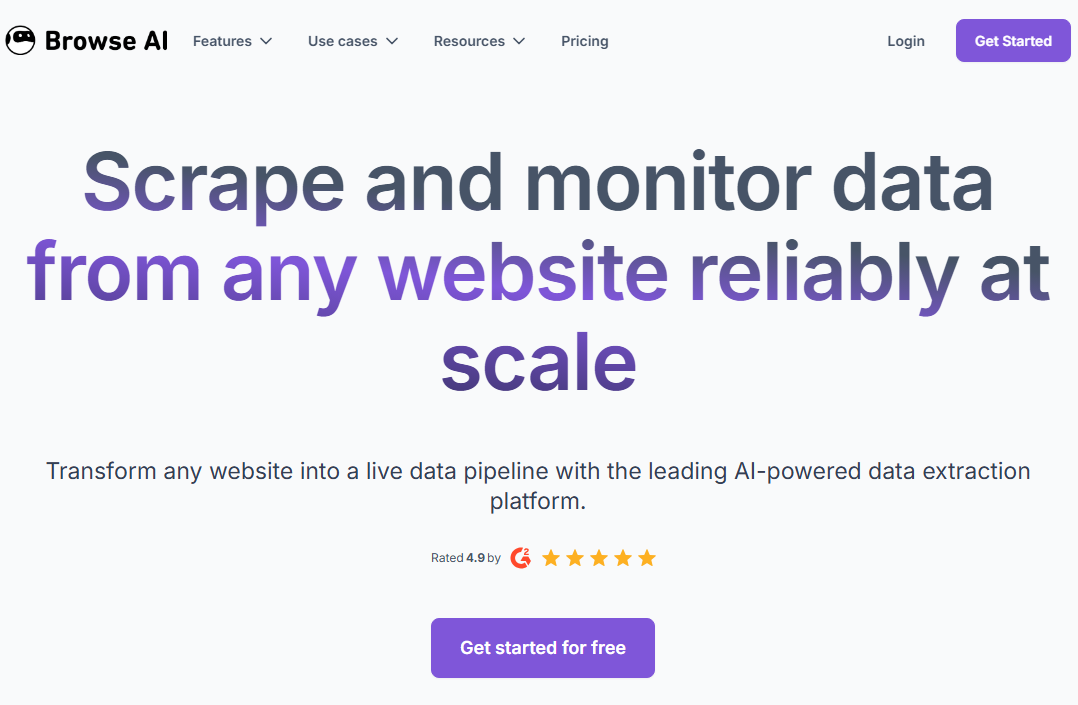
With Browse AI, you do not have to write any code to scrape the web. It records your clicks in a Chrome extension and does the extraction in the cloud. It works well for basic monitoring tasks, such as keeping an eye on a competitor’s pricing page or finding new job postings. But when projects involve a lot of data extraction, protected sites from bots, or complex page logic, its credit-based pricing and closed-browser architecture become big problems.
I learned this the hard way. The first time I used a no-code scraping robot, I felt a great sense of accomplishment. I could point, click, and map a few fields, and structured JSON would be imported directly into Google Sheets. My attempt to access the Cloudflare-protected catalog failed after I directed my request to the site. I needed to retrieve an extensive paginated dataset, but I reached my monthly credit limit by lunchtime. The search for an alternative Browse AI solution began at that time.
This guide compares the best Browse AI alternatives for teams that have outgrown the platform’s limits. We cover Octoparse, Apify, ParseHub, Chat4Data, Thunderbit, and two additional options across pricing, anti-bot handling, and bulk extraction capability.
Quick Answer
| Tool | Best For |
| Octoparse | High-volume no-code extraction with built-in anti-bot resilience |
| Apify | Developer teams building custom, API-first scraping pipelines |
| ParseHub | Budget-conscious researchers scraping simple to moderate sites |
| Chat4Data | Fastest AI-driven setup for quick public page extractions |
| Thunderbit | Chrome extension users who need one-off extractions without a desktop app |
If you’re looking for the best substitutes for Browse AI, these are the top alternatives in 2026.
How We Evaluated These Tools
We assessed each Browse AI alternative across five dimensions:
- Set up time for a 100-page extraction task
- Behavior against Cloudflare-protected targets
- Pricing predictability at 10,000+ rows per month
- JavaScript rendering capability
- Data export flexibility
We tested the tools by using them or comparing them to written technical specifications and verified user reviews from G2 (scores as of April 2026).
What Is Browse AI?
Browse AI is a cloud-based web scraping and monitoring tool that is easy for non-technical users, such as marketers, recruiters, and analysts, to use. They can get structured web data without writing code. It works by using a Chrome extension that records your clicks on a webpage (such as product titles, prices, and job descriptions) and converts them into a script that runs in the cloud.
The platform is primarily focused on monitoring and no-code integrations. It includes more than 200 pre-made templates for common domains, scheduled runs, and basic pagination. Zapier lets it connect to Google Sheets, Airtable, and thousands of other apps.
Core capabilities:
- 200+ pre-built scrapers for sites like Amazon, LinkedIn, Indeed, and Yelp.
- Scheduled monitoring with DOM (Document Object Model, the structural map of a webpage’s elements) change detection.
- Zapier and Google Sheets integration with no custom API webhooks required.
What Browse AI Gets Right
But before going into the limitations, it’s only fair that we give credit where it’s due. Browse AI is great at onboarding, and for specific, targeted tasks, it’s quite effective.
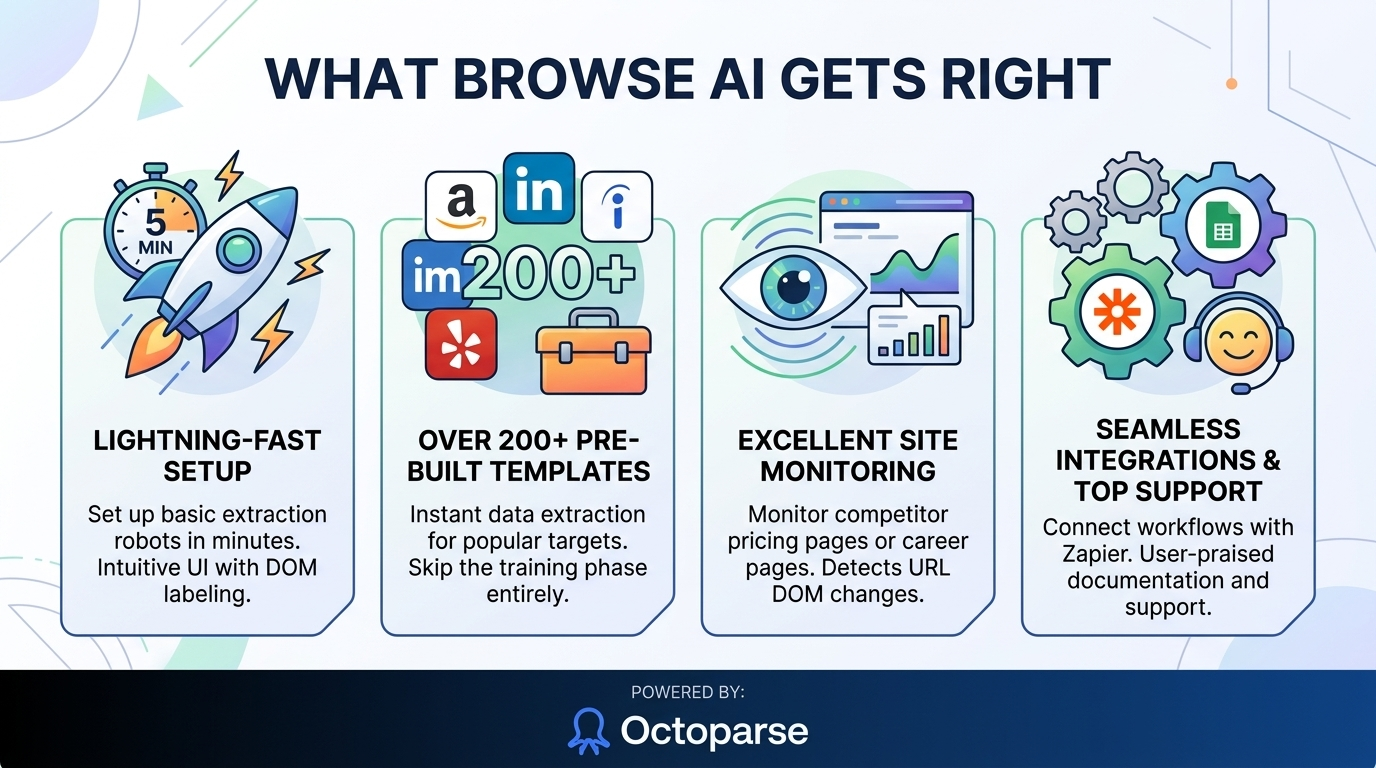
- Setup Speed: In our testing, a 10-field product extraction from a static page was live in under 4 minutes. The UI clearly labels DOM elements and makes list extractions painless.
- Pre-built Templates: Browse AI has over 200 pre-built scrapers for common, high-value targets such as Amazon, LinkedIn, Indeed, and Yelp. If your requirements perfectly match one of these pre-built templates, you don’t even have to go through the training phase.
- Monitoring Use Case: This is where Browse AI really shines. If you need to monitor a competitor’s pricing page for weekly changes, for example, or monitor a specific career page for new job postings, Browse AI is fantastic at it. It’s designed specifically to monitor and detect changes within a given URL’s DOM.
- Integrations and Support: Browse AI holds a 4.8/5 rating on G2, with support response time cited as a recurring strength in user reviews.
The Real Challenges of Using Browse AI
The problems with Browse AI don’t appear on day one. It shows up when your project scales, from monitoring a handful of pages to bulk extraction.
The Credit Model Punishes Volume
Browse AI’s credit-based pricing, and you will see that it uses up allowances faster than most people think. Plans start at $48 per month and include a limited number of credits. Even on higher tiers, scraping a paginated e-commerce catalog with hundreds of pages can exhaust your allocation in just a few days. Verify current credit allocations on the Browse AI pricing page before committing. These change frequently.
Anti-Bot Walls Block Extraction
Sites protected by Cloudflare Turnstile, DataDome, or similar bot-detection systems frequently block Browse AI’s automated browser. You cannot change fingerprinting, proxy behavior, or request timing because the platform does not display browser settings. You have to watch over a bot that can not get past the front door.
Complex Workflows Aren’t Plug-and-Play
It is easy to scrape a public table. But how do you log into a secure site, pass 2FA, fill out a search form, wait for JavaScript to run, and deal with infinite scroll? That is a different story, and Browse AI’s no-code interface was not designed to handle that level of complexity.
Who Actually Needs a Browse AI Alternative?
If you only scrape a simple public table once a week, stay where you are. But you need to upgrade your tools if you meet any of the following:
- Your scraping targets change often: you are always pointing your scrapers at sites with DOM structures that differ significantly.
- You require a bulk extraction that enables you to extract thousands of records across multiple pages, which extends beyond simple page monitoring.
- Your targets use Cloudflare, DataDome, login walls, and heavy JavaScript rendering, which prevent you from accessing their content.
- Your expenses become unpredictable because credit burn makes your monthly spending unpredictable. Your previous flat-rate subscription has established a new financial requirement that now demands your business to maintain predictable expenses.
- You need technical control for specific situations that require visual builder operation to handle most tasks, while you can modify proxy settings, delays, and browser functions at any time.
Octoparse: A Browse AI Alternative Built for Volume and Complexity
The best thing about Browse AI is how easy it is to use, but that ease of use can be a problem when your targets fight back. Octoparse starts with the same no-code idea as Browse AI, but it adds features that Browse AI lacks, such as fine-grained browser control, built-in anti-detection, and a pricing model that doesn’t charge you more for collecting more data. It keeps the visual interface that non-technical teams need and adds the extraction engine that heavy workloads need.
How It Works
Octoparse runs as a desktop client or cloud service. You use a visual task builder that makes a real browser. You can tag items by clicking on them, set up loop items for pagination, and create conditional logic (for example, “if this pop-up appears, close it; otherwise, keep scrolling”). This lets you directly control extraction logic in a way that a lightweight Chrome extension can’t.
Anti-Detection Built In
Octoparse adds real anti-bot tooling to the no-code space: proxy rotation, custom user-agent, customizable request delays, and advanced cloud-scraping settings. You configure the scraper to mimic human behavior rather than relying on a black-box cloud browser.
Predictable Pricing
The greatest practical distinction between the two options exists when users reach their maximum usage limits. Octoparse uses a task-based subscription model, allowing users to access its services without purchasing individual actions. This allows users to scrape 500 pages of a product catalog without exceeding their monthly usage limits.
Current pricing of Octoparse
| Plan | Price | Tasks | Features |
|---|---|---|---|
| Free | $0/month | up to 10 tasks | Local only |
| Standard | $83/month | up to 100 tasks | Cloud + IP rotation |
| Professional | $299/month | up to 250 tasks | Advanced API access |
Teams using Octoparse as a Browse AI replacement for e-commerce price tracking or others can monitor large product catalogs daily with cloud scheduling, without the credit-burn anxiety of per-action billing.
Scheduling, Export, and Templates
Cloud-run tasks can be scheduled and automated without keeping your computer running. You can export data from Octoparse to Excel, CSV, and JSON files, or you can connect to databases directly through APIs. Customers can use the platform’s library of over 620 existing templates to make online stores, real estate listings, and social media ads.
The Trade-off
The extra time you spend setting things up will pay off the first time you need 50,000 rows of clean data without the tool crashing or running out of money. The desktop client is harder to learn than Browse AI’s instant click-and-train extension, but most users say they feel comfortable after their first or second task.
Our Take
Octoparse’s conditional logic builder “the if/else step in the workflow editor”, is the feature that Browse AI users miss most when switching to Octoparse. It takes about 20 minutes to learn on a first task, but it’s what lets you handle cookie banners, login walls, and lazy-loaded images without rebuilding your scraper each time. For teams running scheduled cloud tasks on 500+ page catalogs, the task-based pricing pays for itself within the first billing cycle.
Browse AI vs Octoparse: A Direct Comparison
To make the choice easier, here’s how the two platforms compare on the technical factors that really matter for scraping success.
| Dimension | Browse AI | Octoparse |
| Setup Speed | Very fast via Chrome extension; ideal for simple pages | Desktop client install; moderate learning curve for complex tasks |
| Dynamic Content (JS) | Handles basic JS; limited on complex infinite scroll or heavy rendering | Handles basic JS; good for complex infinite scroll or heavy rendering |
| Volume / Bulk Scraping | Limited—architected for monitoring; no bulk crawl depth control | Excellent: built for deep crawling and bulk data extraction |
| Pricing | From $48/month; credit-based (free tier: limited monthly credits) | From $69/month (if billed yearly); task-based (free tier: 10 tasks, local only) |
| Free Tier | Limited recurring monthly credits, 2 websites | Free desktop app, 10 tasks, local device only |
| Anti-Bot Resilience | No proxy configuration or fingerprint control available to the user | Granular control: built-in proxy rotation, custom user-agent, variable delays |
Other Browse AI Alternatives You Can Try (2026)
Octoparse is the best direct upgrade for volume and reliability, but there are many other options in the web scraping ecosystem. Here are three other options that are good for certain groups, depending on the level of technical knowledge your team has.
Chat4Data
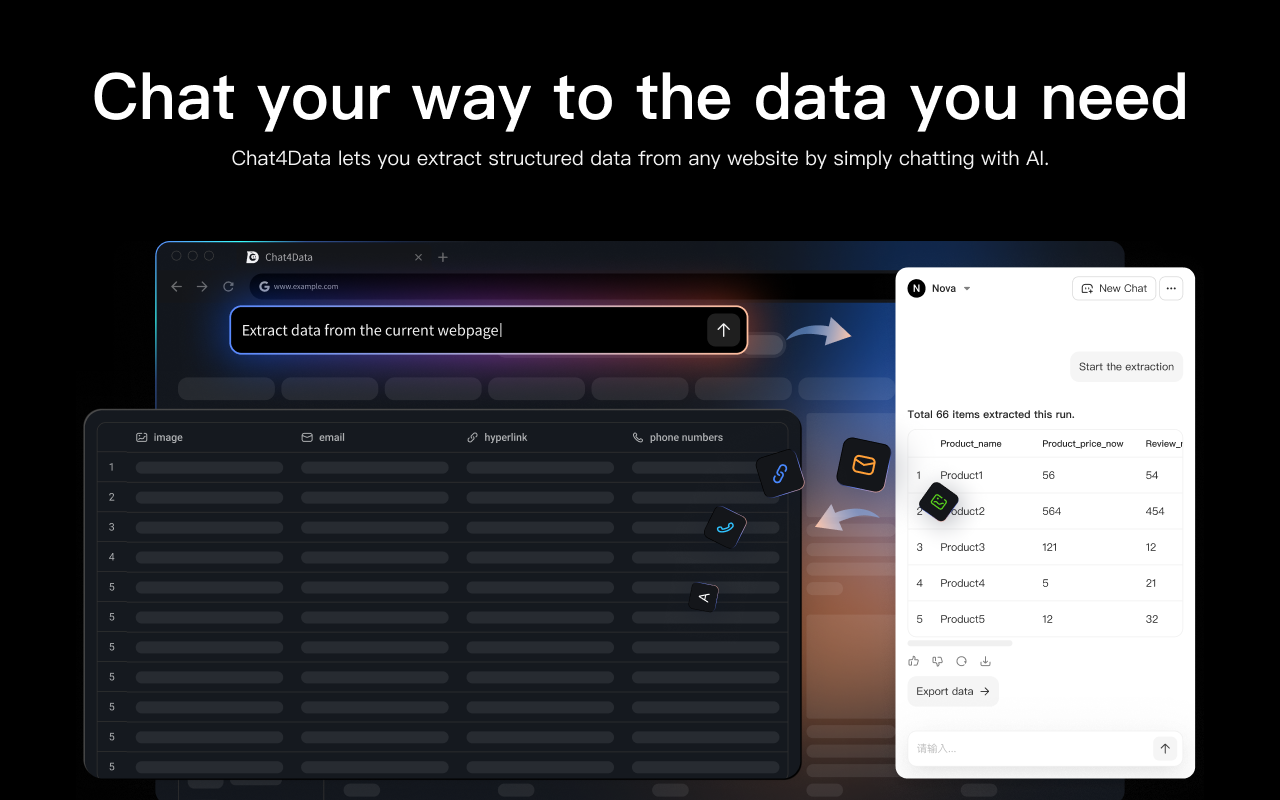
Chat4Data uses a conversational AI interface instead of point-and-click training. The AI system generates extraction rules from your plain-language description of the desired output.
Best for: The system excels at extracting public content for users who need to complete their work as quickly as possible.
Pricing: Free to start; $10/month for extended usage.
Limitation: As a newer entrant, it has a less established enterprise-scale track record than Octoparse or Apify—no template library at Browse AI’s scale.
Our take: For simple tasks, Chat4Data’s describe-and-extract workflow is really faster than Browse AI’s click-and-train method.
ParseHub
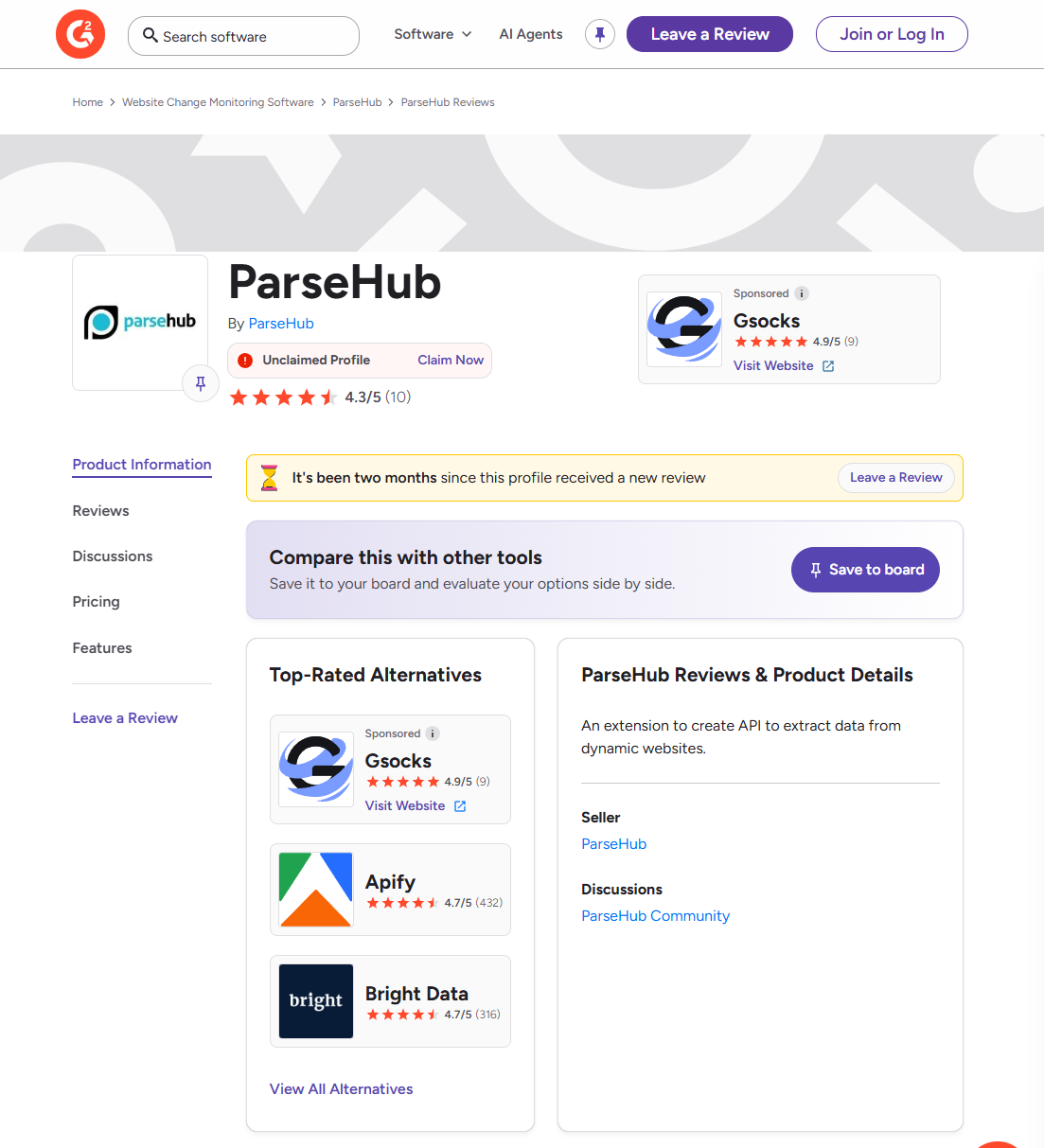
The desktop visual scraper ParseHub provides its users a free version which allows them to extract data from 200 pages during each extraction session. For small businesses seeking budget-friendly Browse AI alternatives, this solution is their most economical option. The basic subscription plan for Browse AI starts at $19 per month. The free version of ParseHub allows users to scrape data within specific usage limitations.
Best for: Academics who can’t afford a full-time web developer on their payroll, or small teams where money is tight.
Pricing: Free tier (5 projects, 200 pages/run). Paid plans start at $189/month.
Limitation: Processes’ paginated extraction runs more slowly than Octoparse when handling tasks with more than 500 pages. The UI design appears outdated compared to modern software applications. The desktop application requires significant computer resources to function.
Our take: The best free option for researchers who need structured data from basic to intermediate websites is ParseHub’s free tier. The Standard plan from Octoparse, which costs $83 per month, becomes a more economical option once you reach the service’s maximum capacity.
Apify
If Browse AI is built for marketers who want results in minutes, Apify is built for engineering teams who want full control of the entire data pipeline. It’s a developer-first platform with 16,000+ pre-built “Actors” (scraping scripts) and full API/SDK integration.
Best for: Technical teams building programmable scraping with custom JavaScript, Node.js, or Python code.
Pricing: Free tier ($5/month compute credits). Prepaid plans start from $29/month. Usage-based compute billing for higher tiers.
Limitation: Non-technical users will face difficulties because they need developer assistance to complete their tasks. Proxy costs, which range from 7-8$ per gigabyte for residential proxies, start to accumulate during large projects.
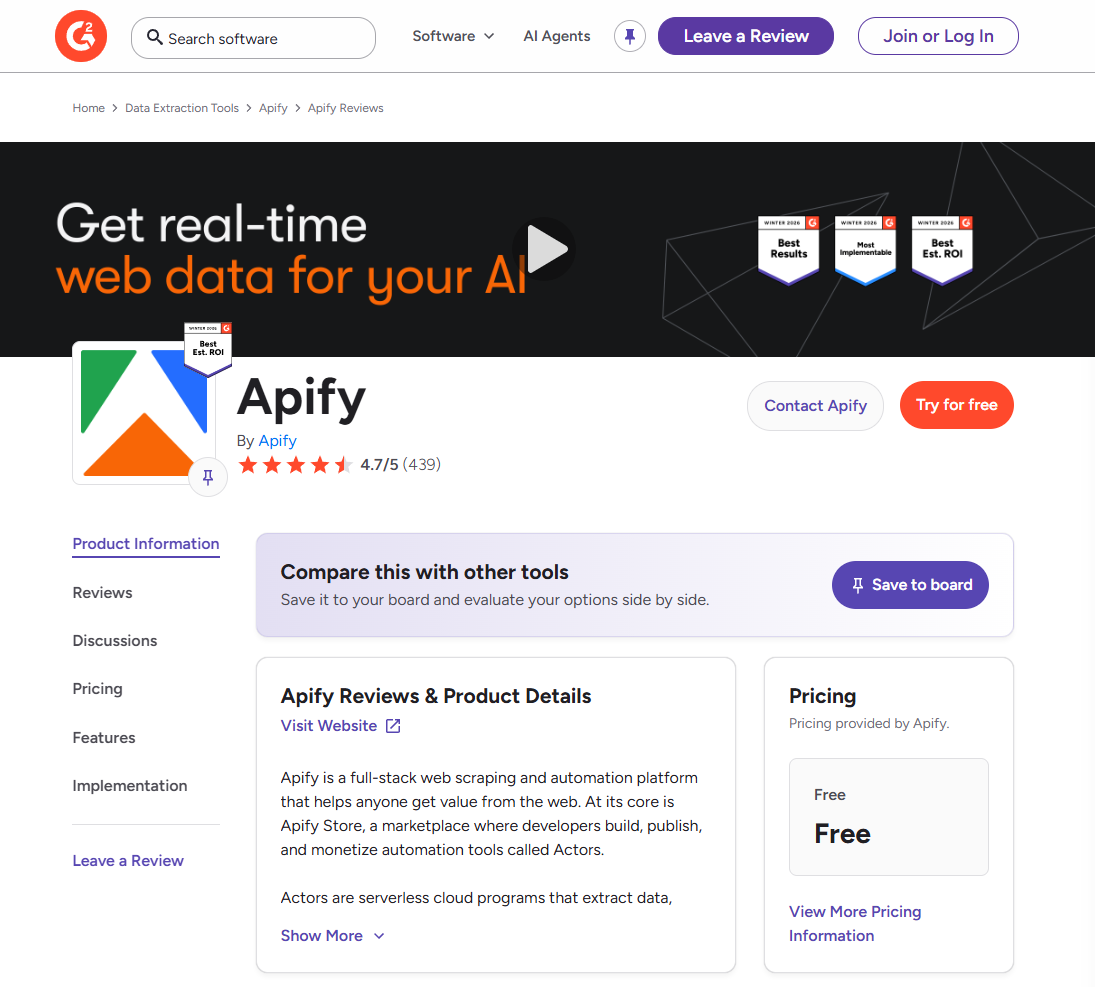
Our take: The main advantage of Apify lies in its Actor marketplace. The scrapers for your target site are probably already available, since someone has already developed them. The Actor will stop functioning after a UI change because you need to wait for the third-party developer to fix it. Teams that lack engineering resources can use Octoparse as an alternative, which provides similar features with easier implementation.
Thunderbit
Thunderbit is a Chrome extension that uses AI to detect and extract columns on a page automatically. Unlike Browse AI’s click-and-train approach, Thunderbit analyzes page structure and automatically suggests extraction fields, eliminating the need for manual element selection.
Best for: The system performs rapid data retrieval from structured web content. The Chrome extension enables users to access its features without installing any desktop software. The teams that assess their scraping needs through testing before they make a decision to purchase premium services.
Pricing: Free tier (6 pages, 36 extraction steps, 7-day data retention). Starter: $15/month. Pro: $38–$249/month depending on volume.
Limitation: The system provides weaker scheduling capabilities and reduced monitoring functions compared to those of Browse AI and Octoparse. The system provides better results for one-time data extractions than for change detection operations. The AI column-detection system performs effectively on structured tables but struggles with intricate layouts that lack tabular organization.
G2 Rating: 0/5 (no ratings yet)
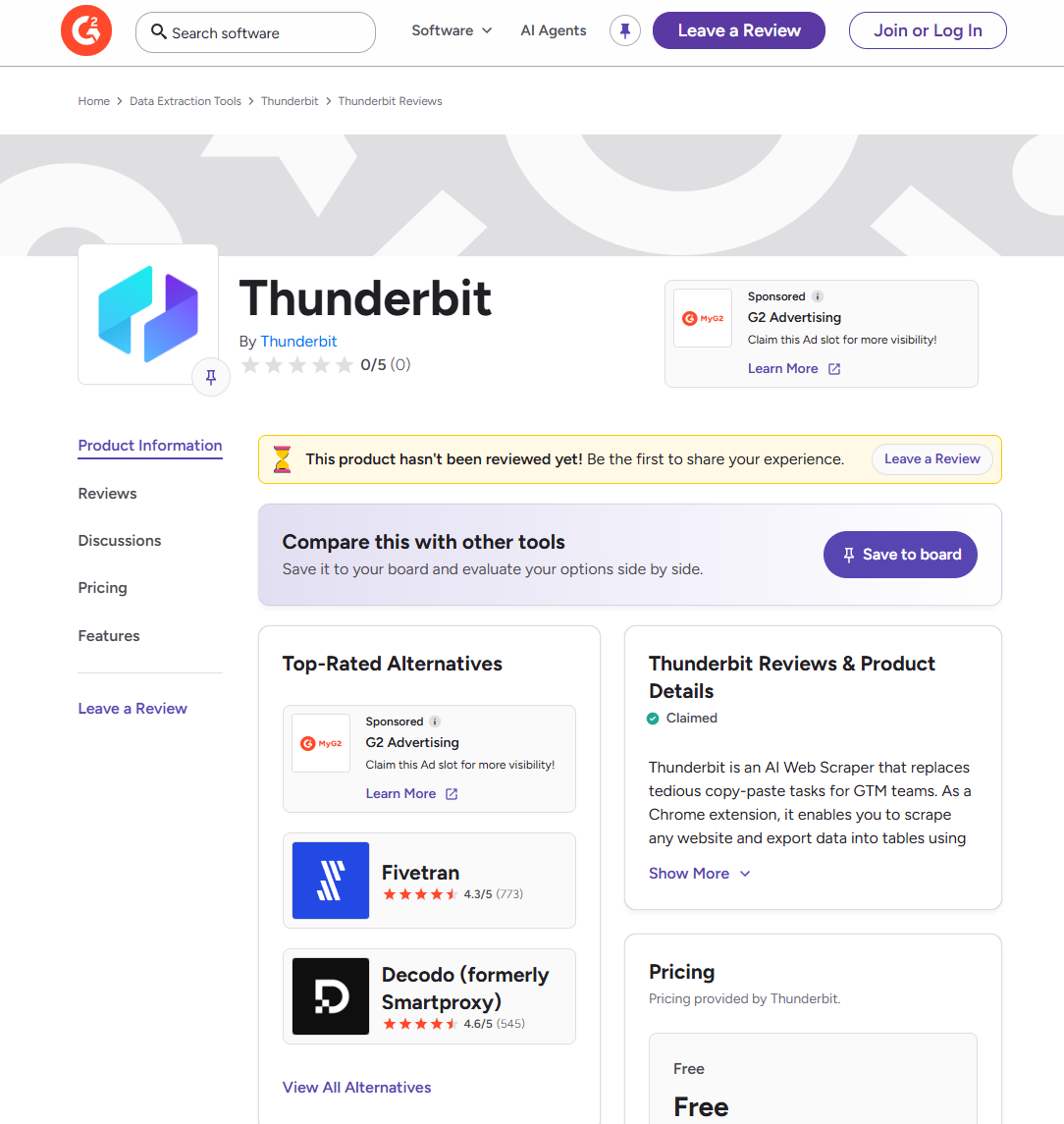
Our take: Thunderbit provides a solution that connects the two requirements of immediate webpage data access and complete web scraping system development. The service’s free tier provides sufficient capacity to evaluate automated extraction suitability for your workflow before any costs are incurred. The system will not meet your requirements for bulk extraction and continuous monitoring because it has reachability limits.
Browse AI Alternatives Comparison Table
| Tool | Technical Level | Best For | Pricing Model | Anti-Bot Capability |
| Octoparse | None (no-code) | High-volume extraction, e-commerce tracking | Task-based subscription; Cost-effective | Built-in proxy rotation, user-agent switching |
| Apify | High (JavaScript/Python) | Custom pipelines, API-first workflows | Pay-per-compute + proxy fees | User-configured via Apify Proxy |
| ParseHub | None (no-code) | Budget researchers, simple-to-moderate sites | Free tier + paid from $149/mo | Basic IP rotation on paid plans |
| Chat4Data | None (AI-driven) | Quick one-off extractions, public pages | Free tier; $10/mo extended | Local browser session (lower detection) |
| Thunderbit | None (Chrome extension) | One-off data grabs, column auto-detection | Free tier; Starter $15/mo | Limited—Chrome extension only |
Before diving into each tool, here’s how all five alternatives compare on the dimensions that matter most.
Conclusion
In the end, your tools have to work with how you do business. Browse AI is a real tool that works well. It will work great for you if your whole job is to keep an eye on how much your competitors charge on a simple Shopify site, or to track a few job listings.
Browse AI shows hidden limits as data needs grow, like when you need to monitor dozens of sites, bypass bot protection, or scale to thousands of rows. Its credit-based pricing model breaks down, and its closed architecture prevents users from bypassing blocks.
Octoparse is the best no-code Browse AI alternative for data teams and growth marketers who are at that exact inflection point. It gives you the simple look you want and the powerful scraping engine you really need. If you’re ready to stop paying for data by the credit and start getting it in large amounts, check out the Octoparse blog to learn how to set up your next workflow.
FAQs about Browse AI Alternatives
- What is the main difference between Browse AI and Octoparse?
Octoparse is designed to handle large-scale data extraction and protect against bots. Its task-based pricing model makes cost estimation easy. Browse AI is better for basic sites that need simple monitoring. It uses a credit-based model that can get expensive quickly when there are many users.
- When should I switch from Browse AI to an alternative like Octoparse?
You should consider switching if you frequently hit anti-bot walls (like Cloudflare), your data volume scales into thousands of rows across deep pagination, or you find the credit-based pricing model too punitive for high-frequency or high-volume scraping.
- Is Octoparse a no-code solution like Browse AI?
Yes, Octoparse is a visual, no-code web scraper. It retains the point-and-click interface but provides much more granular control over complex extraction logic, page interaction, and anti-detection settings than Browse AI’s extension-based method.
- Is there a free alternative to Browse AI?
Yes. Octoparse’s free tier includes 10 tasks with local execution and up to 50,000 rows/month export. Apify offers $ 5 in free compute credits per month. ParseHub provides 5 free projects with 200 pages per run. All are functional for small-scale testing.
- Does Browse AI work on Cloudflare-protected sites?
Browse AI frequently fails on sites protected by Cloudflare Turnstile or similar bot-detection systems. Its cloud browser doesn’t expose proxy or fingerprinting settings, leaving users unable to adjust them. Octoparse’s built-in proxy rotation and user-agent switching handle these protections more reliably.
- How does Octoparse’s pricing model make it better for high-volume scraping than Browse AI?
Browse AI has a credit-based system, which means that every action, scroll, or page load will consume your credits, which is a penalty for excessive usage. Octoparse uses a task-based subscription method, which makes it very predictable what you will pay each month for any amount of data you scrape from a single scheduled task.
- Browse AI vs. Thunderbit: which is better for beginners?
Browse AI is better for ongoing monitoring and scheduled change detection. Thunderbit is faster for one-off extractions: its AI automatically detects columns without manual selection. For beginners who need recurring scraping, Browse AI’s templates provide more structure. For quick data grabs, Thunderbit’s free tier is the easier starting point.