ScrapingBee is a web scraping API that fetches a URL through rotating proxies and a headless browser, then hands you back the page. It is simple to call and well reviewed. It also gets expensive in a hurry: JavaScript rendering is on by default at 5 credits a request, and a stealth-proxy request costs 75. Since June 2025, ScrapingBee has also been part of the Oxylabs group, which has some teams re-checking their stack.
This guide compares eight ScrapingBee alternatives on what actually decides the bill: cost per 1,000 pages, the shape of the output, and whether you can run it without code or from an AI agent.
Quick answer: the best ScrapingBee alternatives in 2027
The best ScrapingBee alternatives are Octoparse, a web data platform that you can run from its 680+ templates, its API, or an AI agent over MCP, and that returns structured rows instead of just raw HTML; ScraperAPI and ZenRows for a drop-in scraping API with similar credit pricing; Firecrawl for LLM-ready Markdown; Scrapfly for the anti-bot bypass included on every plan; and Zyte or Bright Data for enterprise-grade unblocking. Apify fits teams that want a marketplace of ready-made Actors.
In short: ScrapingBee gives you a rendered page. Octoparse gives you the rows.
The 8 best ScrapingBee alternatives at a glance
All prices below are the lowest paid plan billed monthly, checked on each vendor’s pricing page on October 21, 2026. ScrapingBee is included as the baseline.
ScrapingBee alternatives compared
| Tool | Best for | Output | Code needed? | Starting price (monthly) | MCP server |
| Octoparse | Teams that want pre-built templates, an API, AI agents, or custom scrapers built by AI or point and click | Structured rows (CSV, Excel, JSON, HTML, database, API) | No (API and MCP optional) | Free plan (2,000 rows/mo); Basic $19 | Yes |
| ScraperAPI | Developers who want a drop-in API | HTML; JSON for Amazon, Google, Walmart | Yes | 7-day trial; Hobby $49 (100K credits) | Yes |
| ZenRows | Developers on a tight budget | HTML; JSON via Extract | Yes | Free 5K credits; Build $19 (45K credits) | Yes |
| Firecrawl | LLM and RAG pipelines | Markdown, JSON | Yes | Free 1K credits; Hobby $19 (5K credits) | Yes |
| Scrapfly | Heavily protected sites | HTML, extracted data | Yes | Free 1K credits; Discovery $30 (200K credits) | Yes |
| Zyte | Enterprise and Scrapy teams | HTML, browser render, AI extraction | Yes | $5 free credit; pay as you go from $0.13 per 1K | Yes |
| Bright Data | Enterprise unblocking and datasets | HTML; JSON via Scraper APIs | Mostly | 5K free requests/mo; $1.50 per 1K requests | Yes |
| Apify | A marketplace of ready-made Actors | JSON datasets | Partly | $5 free usage/mo; Starter $19 | Yes |
| ScrapingBee (baseline) | Simple page fetching | HTML, Markdown, screenshots, JSON via extract rules | Yes | 1K free credits; Hobby $19 (75K credits) | Yes |
What real users say
- ScrapingBee: 4.8/5 on G2 (29 reviews) and 4.9/5 on Capterra (141 reviews). Users praise the simple API. The recurring complaint is cost on hard targets: “Some sources are relatively expensive, particularly if you need the Stealth Proxy.”
- Octoparse: 4.8/5 on G2 (52 reviews, with Ease of Setup at 9.6) and 4.7/5 on Capterra (107 reviews). Lazar G., a data scientist, summed it up as “simply really good for the price.”
Opinionated picks
- Best overall if you need data, not just HTML: Octoparse. You skip the parser entirely, and anyone on the team can run the same scraper from a template, the API, or Claude.
- Closest drop-in replacement: ZenRows. Its credit costs (1 basic, 5 JS, 25 JS plus premium proxy) mirror ScrapingBee’s, so migration is mostly a base URL change, and its entry plan is the same $19.
- Best for AI apps: Firecrawl. Markdown output is what an LLM actually wants to read.
- Best for heavily protected sites: Scrapfly or Bright Data. Scrapfly includes its anti-scraping layer on every plan, and Bright Data charges one flat price per successful request.
- Skip the paid APIs if: you scrape a few hundred static pages a month. Octoparse’s Free plan covers it: auto-detect uses AI to find the data fields on a static page, so you get rows without writing code.
What ScrapingBee does well (and where it costs you)
ScrapingBee is a credit-based scraping API. You send a URL, ScrapingBee routes it through a proxy and a headless browser, and you get back HTML, Markdown, a screenshot, or JSON shaped by your extraction rules. It also offers dedicated APIs for Google Search, Amazon, Walmart, YouTube, ChatGPT, and Gemini, plus an MCP server and a CLI for AI coding tools.
The strengths are real. The API is easy to call, you are only charged for successful requests, and reviewers on G2 describe it as reliable. The catch is the credit math. Every request type has a different price:
ScrapingBee credit cost by request type
| ScrapingBee request type | Credits per request | Pages per 250K credits (Freelance, $49) |
| Basic (JavaScript rendering off) | 1 | 250,000 |
| JavaScript rendering (on by default) | 5 | 50,000 |
| Premium proxy, no JavaScript | 10 | 25,000 |
| Premium proxy with JavaScript | 25 | 10,000 |
| Stealth proxy | 75 | 3,333 |
| AI extraction (ai_query, ai_extract_rules) | +5 on top | varies |
So the same $49 plan buys you anywhere from 250,000 pages to 3,333 pages, depending on how hard the target site fights back. That spread is the whole reason this article exists.
Why teams look for a ScrapingBee alternative
Teams usually start looking for a ScrapingBee alternative for one of five reasons.
- Unpredictable bills: One Capterra reviewer put it plainly: “The credit system can sometimes be a little difficult to predict, especially when using advanced features such as JavaScript rendering or premium proxies.” A target that adds bot protection mid-month can multiply your cost by 15 overnight.
- Success rate on protected sites: ScrapingBee only charges for successful requests, but blocked requests still cost you retries and time. Truly independent, regularly updated benchmarks are rare, and the best-known public leaderboard has been reported to share ownership with one of the vendors it ranks. The only success rate worth trusting is the one you measure on your own URLs.
- You still have to write the parser: ScrapingBee returns pages. Turning that HTML into clean product, listing, or contact records is your job, and it breaks every time the site changes its layout.
- No built-in scheduling or storage: ScrapingBee leaves scheduling to your own backend and keeps zero data retention. That is good for privacy, but you need your own cron jobs and database.
- Ownership change: ScrapingBee joined the Oxylabs group in June 2025 in an eight-figure deal. Nothing has broken, but roadmap and pricing questions are fair to ask.
How much do 1,000 pages really cost on ScrapingBee and its alternatives?
The cost of 1,000 pages depends far more on the target site than on the plan you pick. A credit-based API charges a multiple for every layer of protection it has to beat. A flat-rate platform charges for capacity instead. Here is what three common workloads cost per month, using each vendor’s cheapest plan that covers the volume, billed monthly.
Monthly cost by workload: ScrapingBee vs alternatives
| Monthly workload | ScrapingBee | Octoparse | ZenRows | Scrapfly | Zyte (pay as you go) | Bright Data Web Unlocker |
| 10,000 JavaScript pages | $19 (Hobby, 50K of 75K credits) | $19 on Basic (10,000 rows a month) | $29 (Build, 80K credits) | $30 (Discovery) | about $10 (tier 1 browser) | $15 |
| 100,000 JavaScript pages | $99 (Startup, 500K of 1M credits) | $83 on Standard (no row limit) | $99 (Launch, 500K credits) | $100 (Pro) | about $101 (tier 1 browser) | $150 |
| 100,000 protected pages | $599 (Business+, 7.5M of 8M credits at 75 per stealth request) | $83 on Standard, plus residential proxies at $3 per GB and CAPTCHA solving at $1 to $1.50 per 1,000 if the site needs them | $399 (Growth, 2.5M of 3M credits at 25 per request) | from $250 (Startup, residential proxy at 25 credits) | $768 to $1,608 (tier 5 browser) | $150 |
Three things stand out.
- Easy pages are cheap everywhere. Under about 10,000 JavaScript pages a month, Octoparse Basic costs $19, the same as ScrapingBee’s Hobby and less than ZenRows ($29) or Scrapfly ($30). Only Zyte’s pay-as-you-go rate comes in lower, at about $10. The difference is what you get for the money: Octoparse returns 10,000 finished rows, while the APIs return pages you still have to parse.
- Protected pages are where credit pricing hurts. ScrapingBee’s 75-credit stealth requests push 100,000 pages to $599 a month. Bright Data’s Web Unlocker charges the same $1.50 per 1,000 successful requests whether the page is easy or hard. Octoparse goes further with flat plan prices: Standard stays $83 a month with no row limit, however protected the site is, and residential proxies or CAPTCHA solving are only added if you switch them on.
- Rows are not pages. One Octoparse task can pull dozens of product rows from a single listing page, and Octoparse Standard has no monthly row limit. If what you really pay for is records, compare cost per 1,000 records, not per 1,000 requests.
1. Octoparse: best ScrapingBee alternative for predictable bills, large-scale jobs, and ready-to-use rows
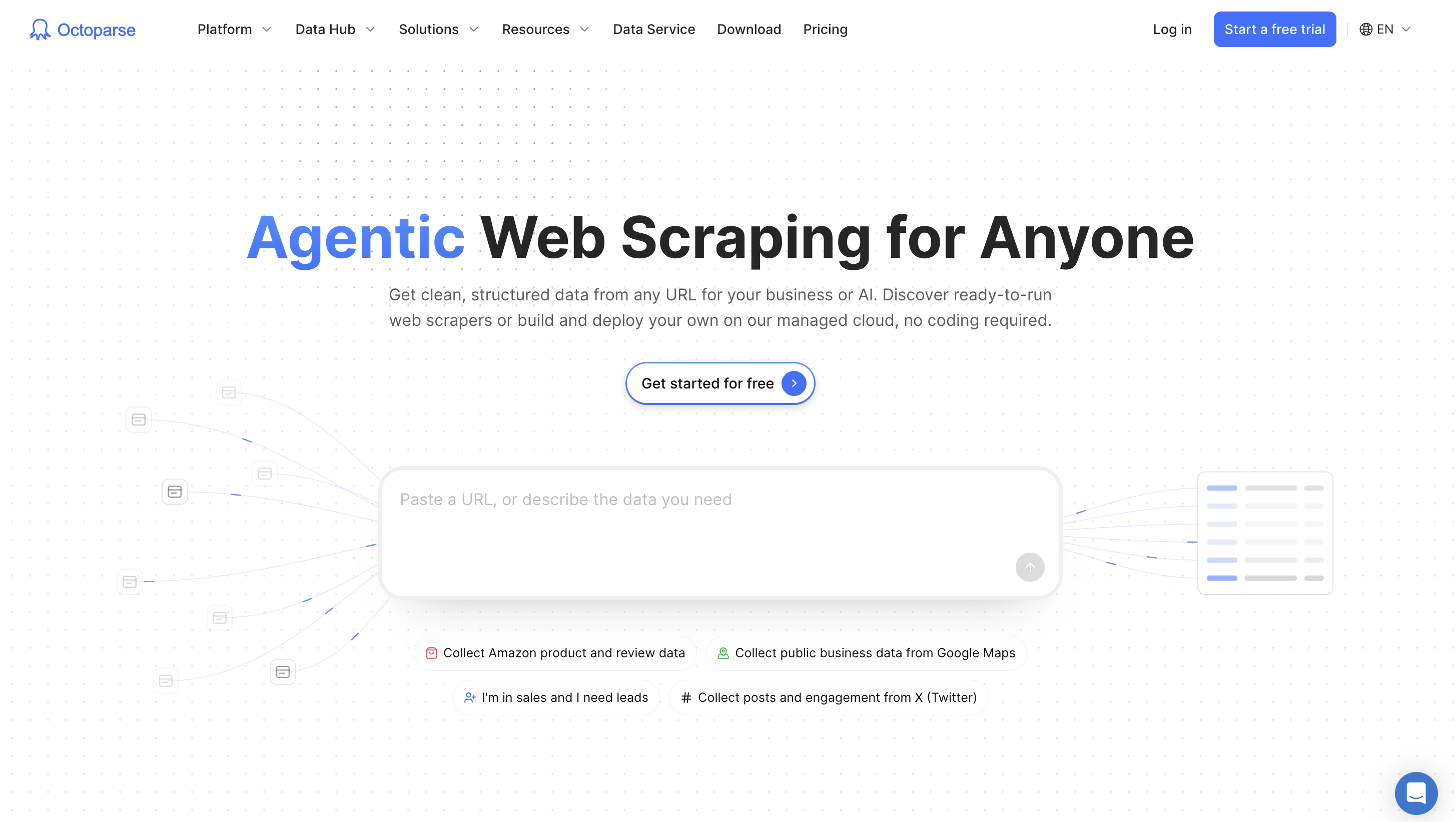
Octoparse is a web data platform that turns websites into clean, structured data. Where ScrapingBee returns a rendered page for your code to parse, Octoparse returns the finished records: product names, prices, ratings, addresses, job titles. The same template can be run by a marketer with no code, a developer over the API, or an AI agent over MCP.
- Cost per 1,000 pages: Flat rate. Standard is $83 a month with no row limit, so 100,000 pages works out to about $0.83 per 1,000, and the bill doesn’t change when a site gets harder. The same 100,000 pages on ScrapingBee cost $99 with JavaScript (Startup) or $599 in stealth mode (Business+). Residential proxies and CAPTCHA solving are extra when you turn them on.
- Anti-bot handling: IP rotation is included on every plan, and the 680+ templates run on Octoparse’s own anti-blocking setup. Residential proxies ($3 per GB) and CAPTCHA solving ($1 to $1.50 per 1,000) are turned on per task and paid from credits.
- Output: Structured rows, exported as CSV, Excel, JSON, or HTML, to a database, or over the API.
- No-code and AI agent access: Yes to both, in four ways. Pre-built templates: enter a keyword or URL and get rows back. AI Assistant: describe the data in plain English and it builds a custom scraper. Octoparse Desktop: point and click the fields, with auto-detect suggesting them for you. Developers and AI agents call the same templates and tasks over the REST API or the MCP server, from Claude, ChatGPT, or your own agent.
Octoparse vs ScrapingBee at a glance
| Octoparse | ScrapingBee | |
| What you get back | Structured rows (CSV, Excel, JSON, HTML, database, API) | HTML, Markdown, screenshots, or JSON from your extraction rules |
| Ready-made scrapers | 680+ in the Template Gallery | 8 dedicated APIs (Google, Amazon, Walmart, YouTube, and others) |
| Scheduling and storage | Built in from Standard (minute to monthly runs, 30 to 90 days of cloud data) | Bring your own scheduler and database |
| Pricing model | Flat plans plus usage-based add-ons | Credits multiplied by request type |
Skipping the parser on sites everyone scrapes
Most ScrapingBee users spend more time maintaining parsers than fetching pages. The Octoparse Template Gallery has 680+ ready-made scrapers for sites like Amazon, Google Maps, and LinkedIn, built and maintained by Octoparse. You enter a keyword or URL and get rows back.
Building a scraper for a site no template covers
For anything custom, describe what you want in plain English and the AI Assistant builds the task, or point and click the fields in Octoparse Desktop. Either way you end up with a fixed set of rules, so every run returns the same columns and nothing re-reads the page with an LLM. That means no per-run AI cost, unlike ScrapingBee’s AI extraction at 5 extra credits a call.
Running at volume without credit multipliers
On Standard and above, Octoparse Cloud runs tasks around the clock with automatic IP rotation and no monthly row limit. Octoparse builds its anti-blocking stack in house, including scraping browsers, residential proxies, and CAPTCHA solving. Residential proxies ($3 per GB) and CAPTCHA solving ($1 to $1.50 per 1,000) are billed from credits only when you turn them on.
Calling it from code or an AI agent
The Open Platform exposes the same scrapers through a REST API and an MCP server, so Claude, ChatGPT, or your own agent can run a template and get rows back. Our MCP web scraping guide walks through the setup.
Pricing (billed monthly): Free ($0, 10 tasks, 2,000 rows a month from templates, AI Assistant, and API, plus unlimited local runs of tasks you build in Octoparse Desktop). Basic $19. Standard from $83 (or $69 billed annually). Professional $299. Standard and Professional come with a 14-day free trial.
Pros: No parser to maintain. One scraper serves no-code users, developers, and AI agents. Flat pricing that doesn’t spike on protected sites. Scheduling and cloud storage built in.
Cons: Custom scrapers are built in Octoparse Desktop or with the AI Assistant, not purely over the API. Cloud runs and scheduling start at Standard. Selectors self-repair when sites change, but no scraper is unbreakable.
Choose Octoparse if the thing you actually need is a spreadsheet or a data feed, not just a pile of HTML. For a head-to-head breakdown, see Octoparse vs ScrapingBee, or start free.
2. ScraperAPI: closest like-for-like ScrapingBee alternative
ScraperAPI is a credit-based scraping API that handles proxies, retries, and CAPTCHAs behind a single endpoint. It works almost exactly like ScrapingBee, which makes it the easiest switch for teams that just want a second vendor.
- Cost per 1,000 pages: Cheaper than ScrapingBee on protected sites, pricier on easy pages. See the table below.
- Anti-bot handling: Every response is checked for ban and CAPTCHA pages, and a blocked request is retried with a new IP and user agent (ScraperAPI docs). Harder sites need
premium=true(residential and mobile IPs, 10 credits) orultra_premium=true(30 credits, paid plans only) (proxy docs). CAPTCHAs built into forms are not solved. - Output: HTML, plus JSON from structured endpoints for Amazon, Google, Walmart, and others.
- No-code and AI agent access: DataPipeline schedules jobs without code, and ScraperAPI offers an MCP server for AI agents.
ScraperAPI vs ScrapingBee: cost per 1,000 requests
| Per 1,000 requests | ScraperAPI | ScrapingBee |
| Basic page, entry plan ($49 Hobby vs $19 Hobby) | $0.49 | $0.25 |
| Basic page, mid plan ($149 Startup vs $99 Startup) | $0.15 | $0.10 |
| Protected page, entry plan | About $5.39 | $6.33 (premium proxy + JavaScript) to $19.00 (stealth) |
ScraperAPI vs ScrapingBee at a glance
| ScraperAPI | ScrapingBee | |
| Entry plan (monthly) | Hobby $49 for 100K credits = $0.49 per 1,000 credits, or about 100,000 basic pages a month | Hobby $19 for 75K credits = $0.25 per 1,000 credits, or about 75,000 basic or 15,000 JavaScript pages a month |
| Protected sites, cost per 1,000 requests on Hobby | About $5.39 (1 base credit plus 10 extra for Cloudflare, DataDome, or PerimeterX) | $6.33 for premium proxy with JavaScript (25 credits) to $19.00 for stealth (75 credits) |
| Structured output | JSON endpoints for Amazon, Google, Walmart, and others | Dedicated APIs for Google, Amazon, Walmart, YouTube |
| No-code option | DataPipeline scheduler | None (n8n, Make, Zapier integrations) |
Pricing: 7-day trial with 5,000 credits. Hobby $49 (100K credits), Startup $149 (1M), Business $299 (3M), billed monthly, per ScraperAPI pricing.
Pros: Flat 10-credit surcharge on protected sites is easier to budget than a 75-credit stealth tier. DataPipeline adds scheduling without code.
Cons: Entry price is more than double ScrapingBee’s. You still get HTML on most sites and still write the parser.
Choose ScraperAPI if you want a ScrapingBee replacement with near-identical integration and more predictable charges on protected sites.
3. ZenRows: drop-in ScrapingBee alternative with a monthly free tier
ZenRows is a scraping API with Fetch, Extract, Batch, and Browser endpoints on one shared credit balance. Its credit costs are the closest match to ScrapingBee’s of any tool here, and its entry plan is the same $19.
- Cost per 1,000 pages: Pricier than ScrapingBee on easy pages, cheaper on the hardest ones. See the table below.
- Anti-bot handling:
premium_proxyroutes requests through residential IPs, andjs_renderloads the page in a headless browser.mode=autostarts with the cheapest setup, adds rendering or premium proxies only when needed, and bills only the setup that worked (ZenRows API reference). - Output: HTML, or JSON through the Extract endpoint.
- No-code and AI agent access: No visual builder. MCP server, CLI, and SDKs on every plan.
ZenRows vs ScrapingBee: cost per 1,000 requests
| Per 1,000 requests | ZenRows | ScrapingBee |
| Basic page, entry plan ($19 Build vs $19 Hobby) | $0.42 | $0.25 |
| JavaScript page, entry plan | $2.11 | $1.27 |
| Most expensive request, entry plan | $10.56 (JavaScript + premium proxy) | $19.00 (stealth) |
| Basic page, larger plan ($199 Growth vs $99 Startup) | $0.17 | $0.10 |
| JavaScript page, larger plan | $0.83 | $0.50 |
ZenRows vs ScrapingBee at a glance
| ZenRows | ScrapingBee | |
| Free tier | 5,000 credits every month | 1,000 credits once |
| Credit costs | 1 basic, 5 JS, 10 premium proxy, 25 JS plus premium | 1 basic, 5 JS, 10 to 25 premium, 75 stealth |
| AI agent access | MCP server, CLI, and SDKs on every plan, Free included | MCP server and CLI |
| Residential proxies | 25,000 credits per GB | Priced into premium and stealth credit tiers |
Pricing: Free (5K credits a month). Build from $19 (45K credits), Launch from $69 (250K), Growth from $199 (1.2M), billed monthly, per ZenRows pricing.
Pros: A recurring free tier that is five times ScrapingBee’s one-time trial. No 75-credit stealth tier: its most expensive request (25 credits) costs $10.56 per 1,000 on Build ($0.42 per 1,000 credits), versus $19.00 per 1,000 for ScrapingBee’s stealth requests on Hobby ($0.25 per 1,000 credits). MCP on every plan.
Cons: No independent success-rate data, so test your hardest targets before committing. Output is still raw pages unless you use Extract.
Choose ZenRows if you want to cut cost on the same workload without changing how your code works.
4. Firecrawl: best ScrapingBee alternative for AI and LLM apps
Firecrawl is a scraping and crawling API built for AI applications. It turns pages or whole sites into clean Markdown or JSON, which is what a RAG pipeline or an LLM agent actually needs.
- Cost per 1,000 pages: About three times ScrapingBee’s price at the entry tier. See the table below.
- Anti-bot handling: Every request goes through a proxy, and the default
automode retries with enhanced proxies when the basic one fails (Firecrawl proxy docs). Firecrawl doesn’t document CAPTCHA solving, so test protected targets before you commit. - Output: LLM-ready Markdown or JSON.
- No-code and AI agent access: No visual builder. An official MCP server is available, hosted or self-run.
Firecrawl vs ScrapingBee: cost per 1,000 requests
| Per 1,000 requests | Firecrawl Hobby ($19, 5,000 credits) | ScrapingBee Hobby ($19) |
| JavaScript page returned as Markdown | $3.80 | $1.27 |
| Structured JSON output | $19.00 | No direct equivalent |
Firecrawl vs ScrapingBee at a glance
| Firecrawl | ScrapingBee | |
| Default output | LLM-ready Markdown | HTML |
| Crawling | Whole-site crawl endpoint | One URL per request |
| Pricing unit | 1 credit per page; JSON format adds 4 | 1 to 75 credits per request |
| Entry plan (monthly) | Hobby $19, 5K credits | Hobby $19, 75K credits |
Pricing: Free (1,000 credits). Hobby $19 a month for 5,000 credits. Higher plans are listed on Firecrawl pricing.
Pros: Markdown out of the box. One flat credit per page, whatever the site. Open source under AGPL-3.0, so you can self-host.
Cons: Far fewer pages per dollar at the entry tier (5,000 versus ScrapingBee’s 75,000 credits). JSON extraction quintuples the per-page cost.
Choose Firecrawl if your data goes straight into an LLM. For more options in this lane, see our Firecrawl alternatives roundup.
5. Scrapfly: best ScrapingBee alternative for heavily protected sites
Scrapfly is a scraping API with an anti-scraping protection layer included on every plan. Instead of choosing between premium and stealth tiers as on ScrapingBee, you turn on bypass and pay only for requests that succeed.
- Cost per 1,000 pages: About the same as ScrapingBee at the same plan size. See the table below.
- Anti-bot handling: ASP (now called Unblocker) detects the anti-bot vendor, such as Cloudflare, DataDome, or Akamai, and adjusts the fingerprint, proxy pool, and browser rendering on its own. Unblocked pages cost nothing extra, protected targets add browser, proxy, and shield fees, and a
cost_budgetcaps spend per call (Scrapfly ASP docs). - Output: HTML, screenshots, and extracted data.
- No-code and AI agent access: No visual builder. Scrapfly offers an official MCP server.
Scrapfly vs ScrapingBee: cost per 1,000 requests
| Per 1,000 requests | Scrapfly Pro ($100, 1M credits) | ScrapingBee Startup ($99, 1M credits) |
| Basic page | $0.10 | $0.10 |
| JavaScript / browser rendering | $0.50 | $0.50 |
| Residential or premium proxy + rendering | $2.50 | $2.48 |
| Stealth mode | Not offered as a tier | $7.43 |
Scrapfly vs ScrapingBee at a glance
| Scrapfly | ScrapingBee | |
| Anti-bot bypass | Included on every plan | Premium (10 to 25) or stealth (75 credits) |
| Failed requests | Free | Free |
| Entry plan (monthly) | Discovery $30, 200K credits | Hobby $19, 75K credits |
Pricing: Free (1,000 credits). Discovery $30 (200K credits), Pro $100 (1M), Startup $250 (2.5M), Enterprise $500 (5.5M). A basic request costs 1 credit, browser rendering 5, and residential proxies 25, per Scrapfly pricing.
Pros: Anti-bot bypass on every plan, with no separate stealth tier to budget for. Extraction features included on all plans. Clear overage rates from $1.20 per 10K credits on Enterprise.
Cons: Discovery has no pay-as-you-go overage. Full-page screenshots cost 60 credits. No independent success-rate data, so verify it on your own targets.
Choose Scrapfly if your main problem with ScrapingBee is failed or blocked requests on hard sites.
6. Zyte: best ScrapingBee alternative for Scrapy and enterprise teams
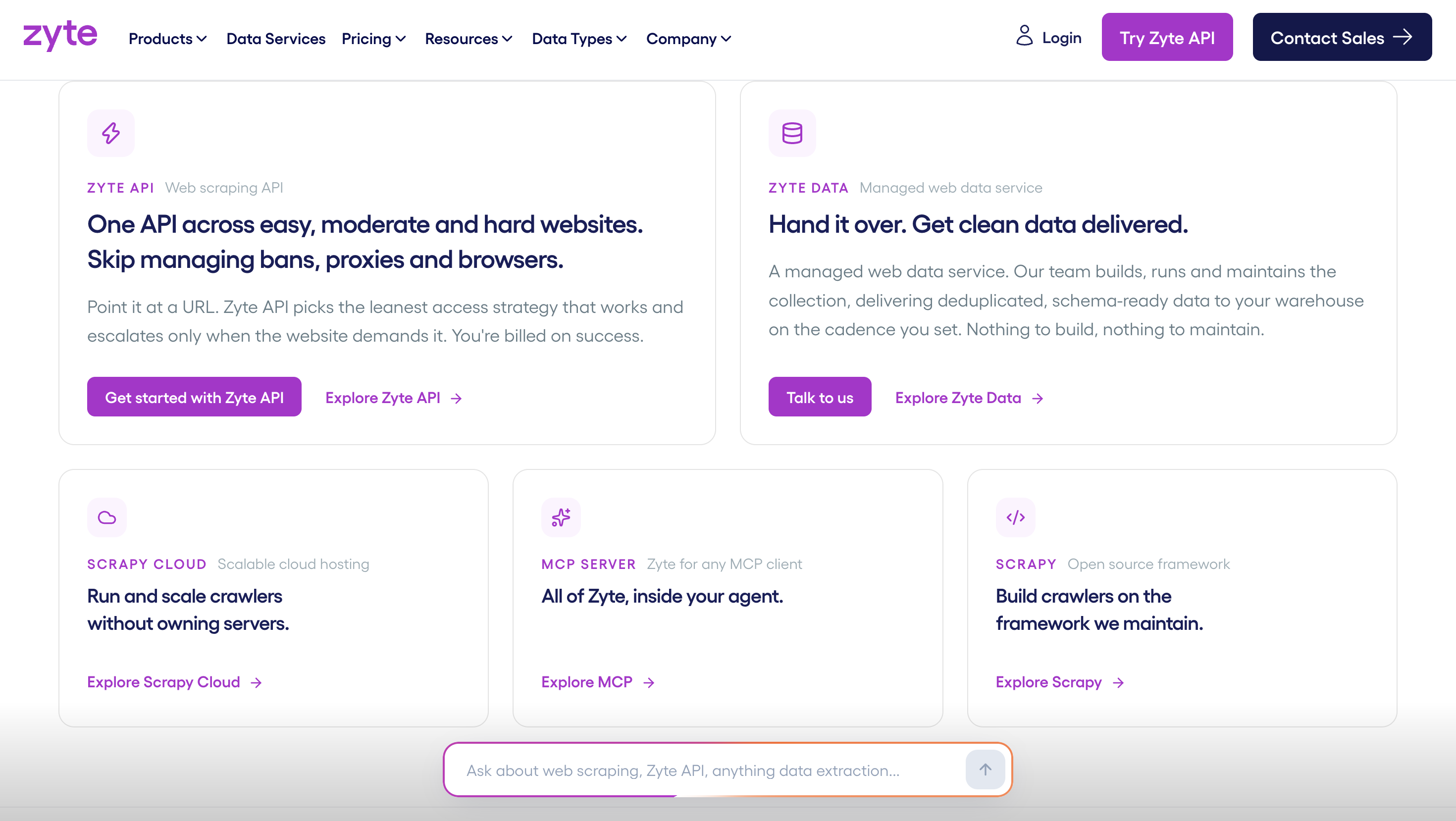
Zyte is a web data company whose Zyte API prices each request by how hard the target site is to scrape. Zyte also maintains Scrapy, the open-source Python framework, and runs Scrapy Cloud for hosting spiders.
- Cost per 1,000 pages: Pay as you go, priced by the site’s difficulty tier. See the table below.
- Anti-bot handling: Zyte API picks proxies and techniques per site, rotates residential, datacenter, and mobile IPs, adjusts fingerprints, and renders JavaScript in a built-in headless browser (Zyte API). The price tier it assigns a site shows how hard it rates that target.
- Output: HTML, browser-rendered pages, and AI-extracted structured data.
- No-code and AI agent access: Built for developers and Scrapy users. Zyte offers an MCP server for AI agents.
Zyte vs ScrapingBee: cost per 1,000 requests
| Per 1,000 requests | Zyte (pay as you go) | ScrapingBee Hobby ($19) |
| Plain HTTP / basic page | $0.13 to $1.27 | $0.25 |
| Browser rendering | $1.01 to $16.08 | $1.27 (JavaScript) to $19.00 (stealth) |
Zyte API vs ScrapingBee at a glance
| Zyte API | ScrapingBee | |
| Pricing unit | Per 1,000 requests, by site difficulty tier (1 to 5) | Credits per request type |
| Plain HTTP request | $0.13 to $1.27 per 1K (pay as you go) | 1 to 25 credits |
| Browser-rendered request | $1.01 to $16.08 per 1K (pay as you go) | 5 to 75 credits |
| Commitment discounts | $100, $200, or $500 monthly minimums | Fixed plans |
Pricing: $5 free credit for 30 days. Pay as you go, or commit to $100, $200, or $500 a month for lower per-request rates, per Zyte pricing.
Pros: You only pay a premium on sites that are actually hard. Native fit for Scrapy projects. No overage penalty above your commitment.
Cons: Tier-5 browser requests are the most expensive in this list. The tier a site lands in is set by Zyte, so budgets still need testing.
Choose Zyte if your team already runs Scrapy or needs an enterprise vendor with per-site pricing.
7. Bright Data: best ScrapingBee alternative for enterprise unblocking and datasets
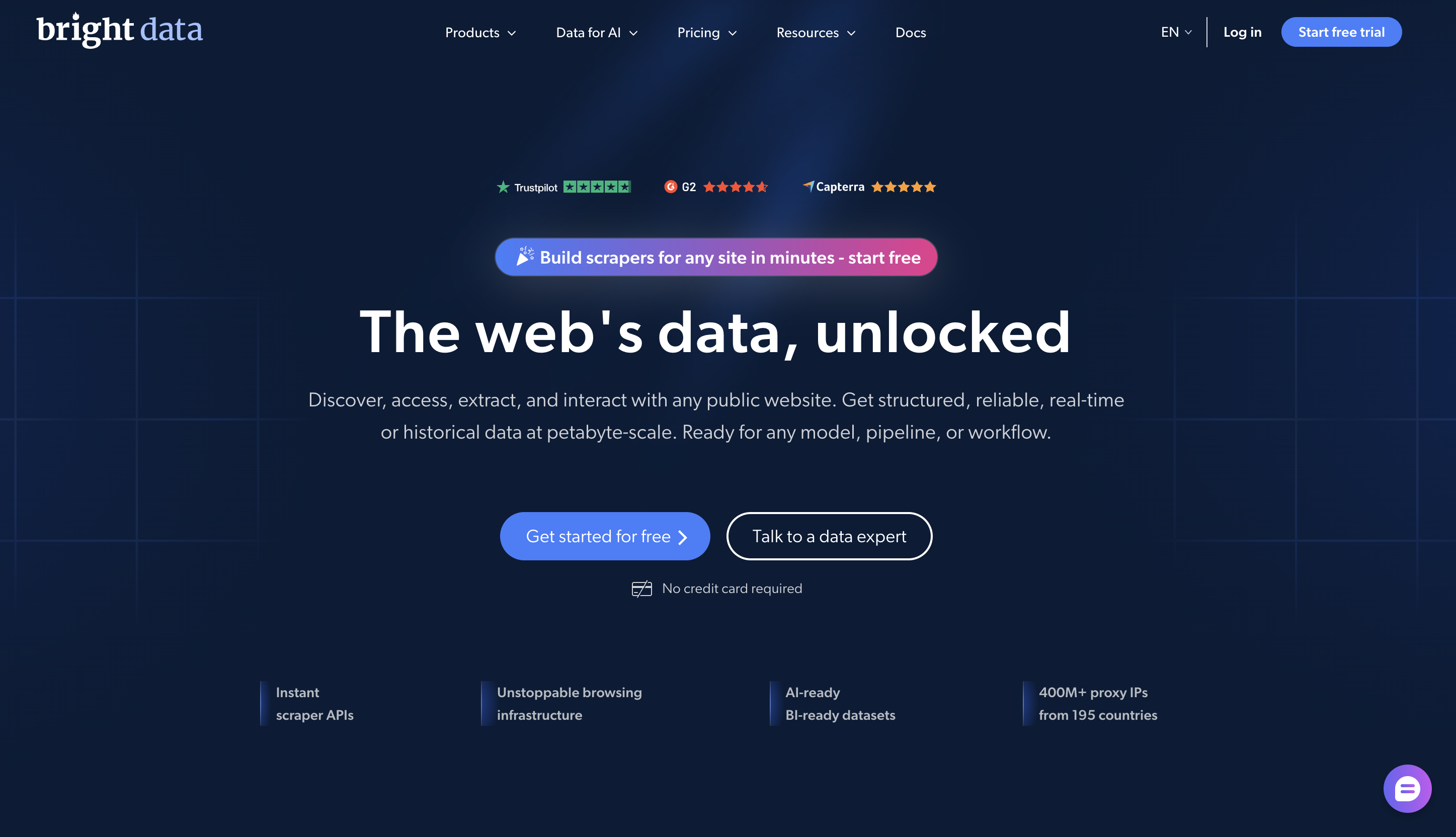
Bright Data is a proxy and web data provider. Its Web Unlocker API charges one flat price per successful request, whatever protection the site uses, and its Scraper APIs and Datasets return structured records.
- Cost per 1,000 pages: One flat rate for easy and protected pages. See the table below.
- Anti-bot handling: Web Unlocker solves CAPTCHAs, sends browser-like headers and fingerprints, picks the proxy network per target, and retries failed attempts with new settings. You pay only for successful requests (Web Unlocker docs). Click-and-scroll automation goes through the separate Browser API.
- Output: HTML from Web Unlocker; structured JSON from Scraper APIs and Datasets.
- No-code and AI agent access: Scraper Studio and ready-made datasets reduce the code you write. A free MCP server is offered.
Bright Data vs ScrapingBee: cost per 1,000 requests
| Per 1,000 requests | Bright Data Web Unlocker | ScrapingBee Hobby ($19) |
| JavaScript page | $1.50 pay as you go, about $1.30 on Scale ($499) | $1.27 |
| Protected page (premium proxy) | Same flat rate | $6.33 |
| Hardest sites (stealth) | Same flat rate | $19.00 |
Bright Data Web Unlocker vs ScrapingBee at a glance
| Bright Data Web Unlocker | ScrapingBee | |
| Price per 1,000 requests | $1.50, easy or protected | $0.20 to $14.70 on Freelance, depending on request type |
| Billing | Successful requests only | Successful requests only |
| Concurrency | Unlimited | 25 to 900, by plan |
| Structured data | Scraper APIs from $0.75 per 1K records; Datasets from $250 per 100K records | Dedicated APIs for a few sites |
Pricing: Free tier of 5,000 requests a month. Pay as you go at $1.50 per 1,000, or Scale at $499 a month for 383,000 requests, per Bright Data pricing. An MCP server is offered free.
Pros: Flat per-request price takes the guesswork out of protected sites. Unlimited concurrency. Ready-made datasets when you don’t want to scrape at all.
Cons: Pay-as-you-go easy pages cost more than ScrapingBee’s. The product catalog is large, and picking the right product takes time. See our Bright Data alternatives guide for simpler options.
Choose Bright Data if you scrape hard targets at high volume and want one price per request.
8. Apify: best ScrapingBee alternative for ready-made community scrapers
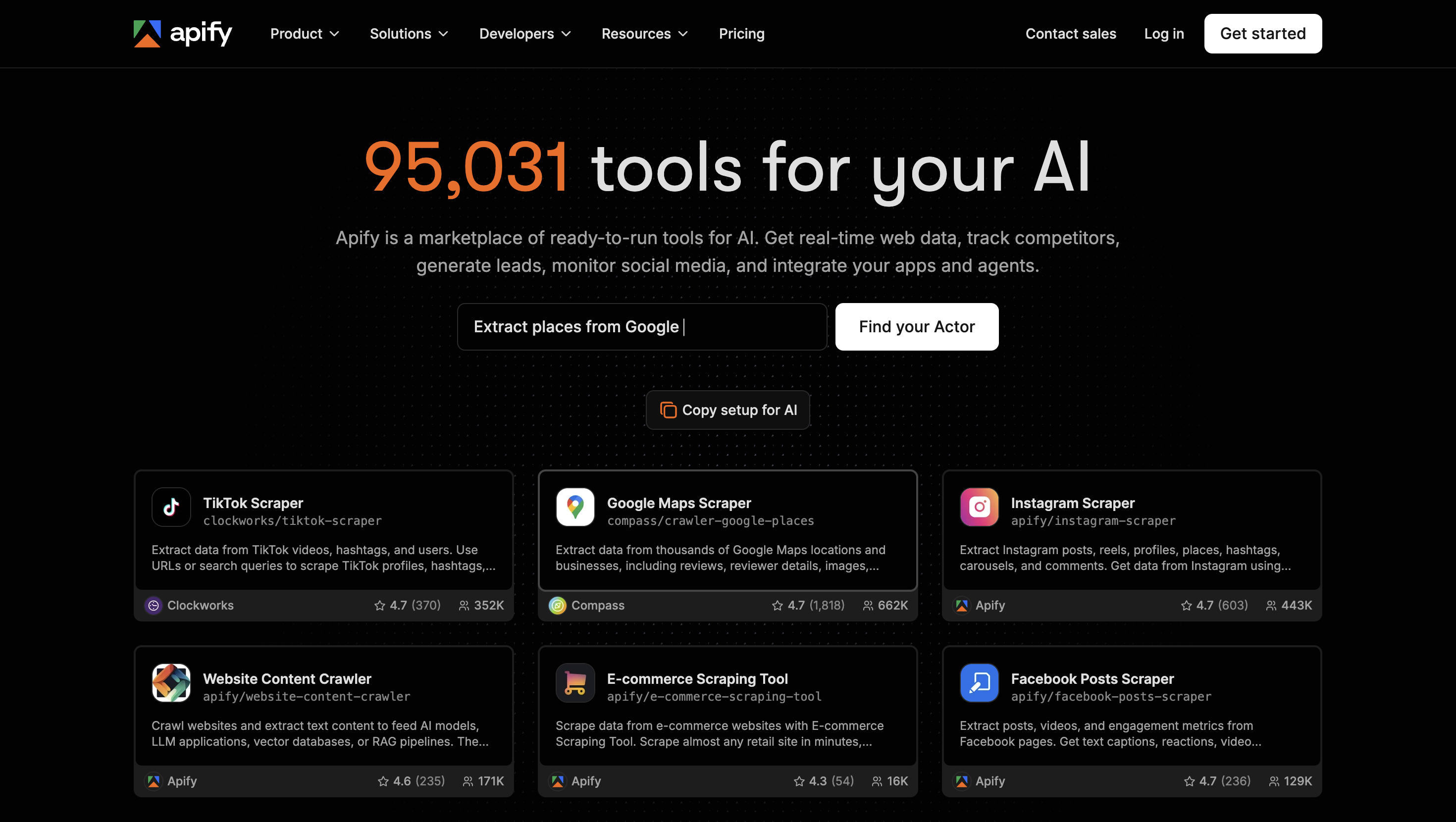
Apify is a cloud platform for running scrapers called Actors. Its store lists more than 93,000 (dynamic number) Actors, from both Apify and community developers, and you pay for the compute and proxies each run uses.
- Cost per 1,000 pages: No fixed rate. It depends on the compute and proxy traffic each Actor uses, so run a small batch to measure it. See the table below.
- Anti-bot handling: Each Actor handles blocking its own way, so results vary by Actor. Apify Proxy offers datacenter, residential, and Google SERP proxies plus an Unblocker that bypasses anti-bot and CAPTCHA systems (Apify Proxy docs).
- Output: JSON datasets, exportable to CSV or Excel.
- No-code and AI agent access: Many Actors run from a web form without code. An MCP server is available.
Apify vs ScrapingBee: cost per 1,000 requests
| Per 1,000 requests | Apify | ScrapingBee Hobby ($19) |
| JavaScript page | Varies by Actor ($0.20 per compute unit) | $1.27 |
| Break-even point | About 6 compute units per 1,000 pages | n/a |
Apify vs ScrapingBee at a glance
| Apify | ScrapingBee | |
| Ready-made scrapers | 93,000+ Actors from Apify and the community | 8 dedicated APIs |
| Pricing unit | Compute units ($0.20 per CU on Starter) plus proxies ($8 per GB residential) | Credits per request |
| Free tier | $5 of usage every month | 1,000 credits once |
| Entry plan (monthly) | Starter $19 of prepaid usage | Hobby $19, 75K credits |
Pricing: Free ($5 a month). Starter $19, Scale $199, Business $999, each billed monthly as prepaid usage, per Apify pricing.
Pros: Huge catalog of scrapers for niche sites. Scheduling, storage, and an MCP server built in.
Cons: Actor quality and maintenance vary, because many are built by third-party developers. Compute-unit billing is hard to predict before you run. Our Apify alternatives guide covers this in depth.
Choose Apify if you need a scraper for an obscure site and are happy to vet a third-party Actor.
When ScrapingBee (or Oxylabs) is still the right choice
ScrapingBee is still a good fit in three situations, and it would be unfair to pretend otherwise.
- You already have working parsers. If your code turns HTML into records reliably and you only need pages fetched through proxies, ScrapingBee’s API is one of the simplest to call.
- Your volume is small and uneven. For a few thousand easy pages a month, the $19 Hobby plan is hard to beat, and you only pay for successful requests.
- You want Google Search and page fetching on one bill. ScrapingBee’s dedicated Google Search API sits on the same credit balance as everything else.
If you like the model but need bigger proxy infrastructure, Oxylabs, ScrapingBee’s parent group, sells its own Web Scraper API and a large residential and datacenter proxy network. It is the natural step up for enterprise teams that want to stay in the same family.
How to choose a ScrapingBee alternative
The right ScrapingBee alternative depends on five questions. Answer them in order and the shortlist usually picks itself.
Which ScrapingBee alternative fits your needs
| Question | If the answer is… | Look at |
| What do you need back? | Finished rows in a spreadsheet or database | Octoparse, Apify |
| Markdown for an LLM | Firecrawl | |
| Raw HTML for your own parser | Octoparse, ScraperAPI, ZenRows, Scrapfly, Zyte, Bright Data | |
| Who will run it? | Non-developers as well as developers | Octoparse |
| How protected are your targets? | Cloudflare, DataDome, or similar on most URLs | Octoparse, Scrapfly, Bright Data, Zyte |
| How much volume? | Under 10K easy pages a month | Octoparse (Free plan), ZenRows, ScrapingBee, Scrapfly |
| 100K+ pages or rows a month | Octoparse, Bright Data, Zyte | |
| Will an AI agent call it? | Yes, over MCP | All eight. Octoparse returns rows, Firecrawl returns Markdown, the rest mostly HTML |
If you are still weighing whether to buy a tool or hand the job off entirely, our guide to web scraping services covers managed options too.
How to switch from ScrapingBee in 4 steps
Switching from ScrapingBee is low risk if you test before you cancel.
- List your targets and request types. Pull a month of ScrapingBee usage and group it by domain and by credit cost. The domains eating 25 and 75-credit requests are where an alternative will save the most.
- Run your 50 most expensive URLs on two alternatives. Most tools here have a free tier or trial. Use real URLs, not a vendor’s demo page.
- Compare cost per usable record, not per request. A cheap request that returns a CAPTCHA page, or HTML that still needs parsing, isn’t cheap. Count the rows you can actually use.
- Switch one workload at a time and keep a fallback. Move the most expensive domain first, keep ScrapingBee on a small plan for a billing cycle, then cancel once the numbers hold.
ScrapingBee alternatives FAQ
- What is the best ScrapingBee alternative?
The best ScrapingBee alternative depends on what you need back. Octoparse is the best choice when you want structured rows instead of just HTML, since its 680+ ready-made scrapers and AI Assistant skip the parsing step. ZenRows is the closest drop-in API, Firecrawl is best for LLM-ready Markdown, and Scrapfly includes anti-bot bypass on every plan.
- Is there a free ScrapingBee alternative?
Yes. Octoparse has a free-forever plan with 10 tasks, 2,000 rows a month from templates and the API, and unlimited local runs of tasks you build in Octoparse Desktop. ZenRows gives 5,000 credits a month, about 1,000 JavaScript pages, and Apify includes $5 of usage a month, which buys a different number of results on each Actor. ScrapingBee itself only offers a one-time 1,000 credits, about 200 JavaScript pages. Pages from the APIs still need parsing before they become rows, while Octoparse’s 2,000 are finished rows.
- Is there a cheaper ScrapingBee alternative?
For easy pages, ZenRows matches ScrapingBee’s $19 entry price with a similar credit model. For protected pages at volume, Bright Data’s Web Unlocker charges a flat $1.50 per 1,000 successful requests, versus up to $14.70 per 1,000 on ScrapingBee’s Freelance plan. Octoparse Standard costs $83 a month with no row limit.
- Was ScrapingBee acquired by Oxylabs?
Yes. ScrapingBee was acquired by the Oxylabs group in June 2025 in an eight-figure deal, as reported by Tech.eu. ScrapingBee still operates under its own brand, pricing, and API. Oxylabs separately sells its own Web Scraper API and proxy network.
- How does ScrapingBee’s credit system work?
ScrapingBee charges credits per request based on the features used. A basic request costs 1 credit, JavaScript rendering (on by default) costs 5, premium proxies cost 10 or 25, and stealth proxies cost 75. AI extraction adds 5 credits. Only successful requests are charged, and plans start at $19 for 75,000 credits.
- What is the best ScrapingBee alternative for AI agents?
All eight tools in this guide (Octoparse, ScraperAPI, ZenRows, Firecrawl, Scrapfly, Zyte, Bright Data, and Apify) offer MCP servers that AI agents like Claude can call. Octoparse returns structured rows from 680+ templates, so an agent gets data it can use without parsing. Firecrawl suits agents that need page content as Markdown.
- Is there a ScrapingBee alternative that doesn’t need coding?
Yes. Octoparse lets you scrape without code using ready-made templates, a point-and-click builder in Octoparse Desktop, or the AI Assistant, which builds a scraper from a plain-English description. ScraperAPI’s DataPipeline and Apify’s Actor forms also let you schedule jobs without code. ScrapingBee itself has no visual builder.
The bottom line: pick by output, then by price
Most ScrapingBee alternatives are other ways to fetch a page. ScraperAPI, ZenRows, and Scrapfly change what you pay and how often you get blocked. Firecrawl changes the format. Zyte and Bright Data change the scale. Octoparse changes the job itself, because you stop maintaining parsers and start getting rows.
If HTML is all you need, test ZenRows or Scrapfly on your hardest URLs. If what you really want is a spreadsheet, a database feed, or data your AI agent can use, try Octoparse’s free plan and run one Template Gallery scraper against the site you scrape most.