Last quarter, our marketing team needed product pricing data from six e-commerce platforms across three countries. We tried building a custom Python scraper, which broke within a week when two of the sites updated their layouts. That experience sent us hunting for a reliable web scraping service, and the search wasn’t as straightforward as we expected.
The web scraping services market has grown dramatically. There are now dozens of options ranging from no-code visual scrapers to full API-based solutions to white-glove managed services. Pricing models differ wildly — some charge per API credit, some per task, some per GB of bandwidth. And the features that matter most depend entirely on your team’s technical skill level, scale requirements, and budget.
We spent weeks testing and comparing the most popular options. This guide covers what we found: The 11 best web scraping services in 2026, broken down by type, with honest pros, cons, and pricing so you can pick the one that actually fits your business.
TL;DR: Top 11 Web Scraping Services Providers Compared
| Service | Best For | Type | Starting Price |
| Octoparse | Non-coders & teams needing visual scraping at scale | No-Code / Self-Serve | Free; from $119/mo |
| ScraperAPI | Developers who want a simple proxy + scraping API | API / Self-Serve | $49/mo |
| Bright Data | Enterprise-scale proxy infrastructure | API + Proxy / Self-Serve | ~$500/mo minimum |
| Apify | Developers who want pre-built scraping actors | Cloud Platform / Self-Serve | $49/mo |
| ParseHub | Simple visual scraping projects | No-Code / Self-Serve | $189/mo |
| Diffbot | AI-powered structured data extraction | API / Self-Serve | $299/mo |
| WebScraper | Lightweight browser-based scraping | Extension / Self-Serve | $50/mo |
| Zyte | Teams already using the Scrapy framework | Cloud Platform / Self-Serve | $9/unit/mo |
| PromptCloud | Businesses wanting fully hands-off data delivery | Managed / White-Glove | Custom |
| Datahut | Small-to-mid projects needing managed extraction | Managed / White-Glove | From $40/site |
| ScrapeBadger | Social media & search data via dedicated API endpoints | API / Self-Serve | From $10 (PAYG) |
What Are Web Scraping Services?
A web scraping service is a platform, tool, or third-party provider that automates data extraction from websites and delivers it in structured formats such as CSV, JSON, or Excel. Instead of writing and maintaining custom scrapers from scratch, businesses use these services to collect web data at scale—handling the messy parts, such as proxy rotation, CAPTCHA solving, and JavaScript rendering, behind the scenes.
Common use cases include price monitoring across e-commerce competitors, lead generation from business directories, market research from review sites, academic data collection, and feeding training data into AI/ML pipelines.
Types of Web Scraping Services
Before diving into individual tools, it helps to understand the three broad categories.
- Self-serve (no-code) services like Octoparse and ParseHub give you a visual interface for pointing, clicking, and configuring scraping workflows without writing code. They’re accessible to marketers, analysts, and researchers without engineering support. The trade-off is that very complex extraction logic can sometimes be harder to express visually than in code.
- Self-serve (API / developer-focused) services like ScraperAPI, Bright Data, and Apify provide APIs and coding frameworks. You write scripts in Python, JavaScript, or other languages, and the service handles proxies, browser rendering, and anti-bot bypassing. These offer more flexibility but require development resources.
- White-glove (managed) services like PromptCloud and Datahut handle everything. You describe what data you need, and their team builds, runs, and maintains the scrapers for you. You receive clean data on a schedule. This is the most hands-off option but also the most expensive, and you sacrifice control over the extraction logic.
Key Features to Evaluate
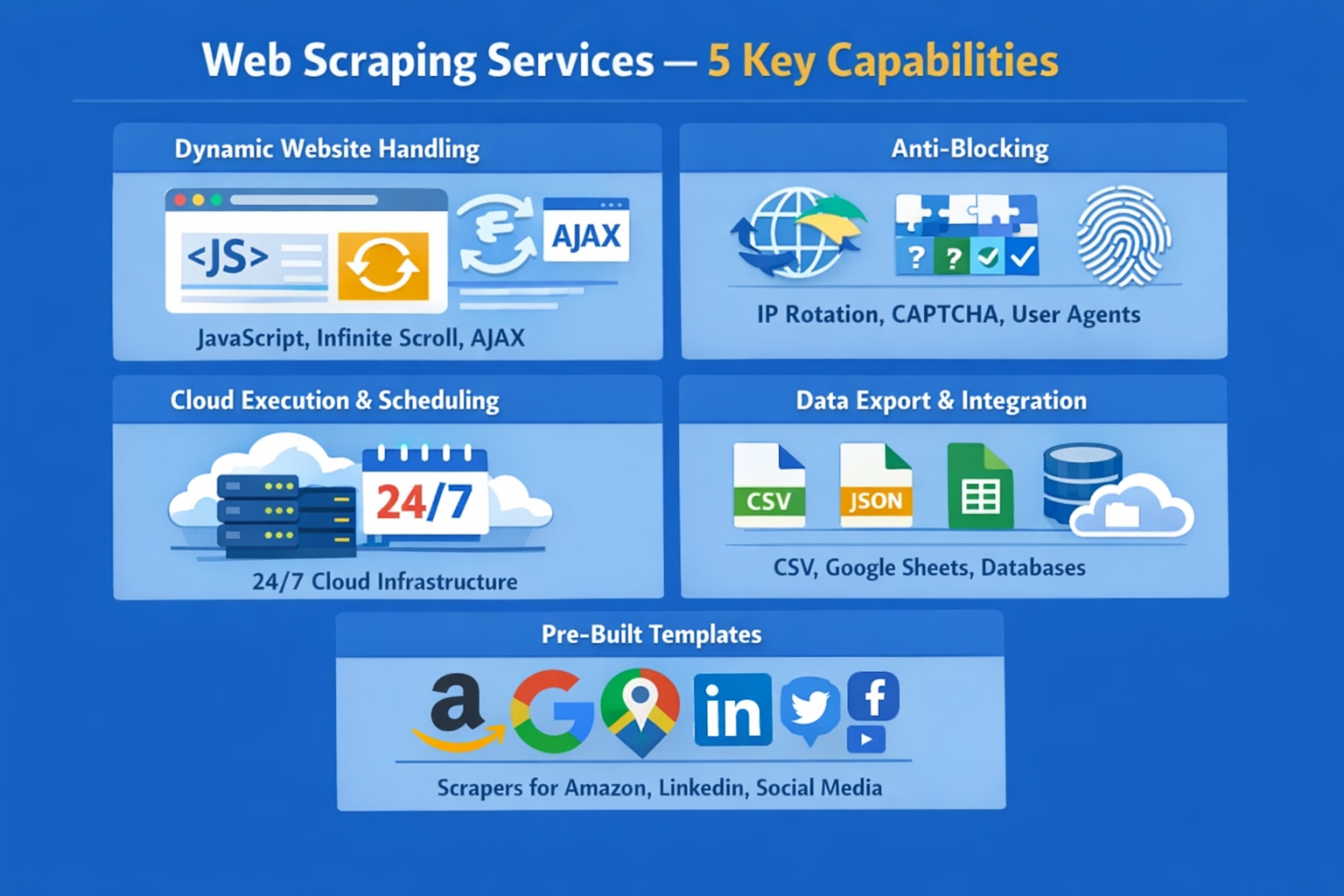
When comparing web scraping services, these are the capabilities that separate reliable tools from ones that’ll frustrate you within the first month:
- Dynamic website handling: Most modern websites load content with JavaScript, infinite scrolling, and AJAX requests. Any service worth considering needs a built-in browser engine to render these pages. If it can only parse static HTML, you’ll miss data on most commercial sites.
- Anti-blocking capabilities: IP rotation, CAPTCHA solving, user-agent randomization, and browser fingerprinting are non-negotiable for any serious scraping project. Without these, you’ll get blocked within hours on protected sites like Amazon or LinkedIn.
- Cloud execution and scheduling: Running scrapers on your local machine is fine for a quick test, but production workloads need cloud infrastructure. Look for 24/7 cloud execution, flexible scheduling (hourly, daily, weekly), and concurrent processing to handle large jobs faster.
- Data export and integration: Getting data out should be easy. At a minimum, you want CSV, Excel, and JSON exports. Better services offer direct integration with Google Sheets, databases (MySQL, PostgreSQL), cloud storage (S3), and automation platforms like Zapier.
- Pre-built templates: For popular targets like Amazon, Google Maps, LinkedIn, and social media platforms, pre-built templates or “actors” save hours of configuration. The breadth and quality of a service’s template library are strong differentiators.
The 11 Best Web Scraping Services in 2026
1. Octoparse: Best Overall for No-Code Web Scraping
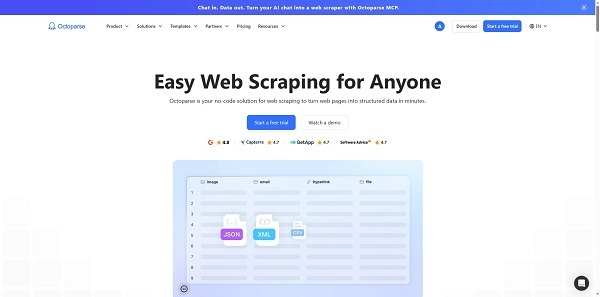
Octoparse has quietly become one of the most capable no-code web scraping providers and platforms on the market. It combines a visual point-and-click workflow builder with serious infrastructure — cloud execution, IP rotation, CAPTCHA solving, and over 600 pre-built scraping templates — in a package that doesn’t require you to write a single line of code.
What sets Octoparse apart from other no-code scrapers is how far you can push it before hitting a wall. The visual workflow designer handles pagination, infinite scrolling, dropdown menus, AJAX-loaded content, and even login-protected pages. When we tested it on a heavily JavaScript-reliant e-commerce site, it captured every dynamically loaded product listing without any manual configuration beyond clicking the elements we wanted.
Key strengths:
- 600+ pre-built templates for popular websites, including Amazon, Google Maps, TikTok, LinkedIn, and dozens more. Enter a few parameters and start extracting immediately—no workflow setup needed.
- Full anti-blocking suite: Built-in residential proxies, automatic IP rotation, CAPTCHA solving, and browser fingerprint randomization. You don’t need to source or manage external proxy pools.
- 24/7 cloud extraction with task scheduling at minute, hourly, daily, or weekly intervals. Your scrapers run on Octoparse’s servers, not your machine.
- Flexible data export: CSV, Excel, JSON, HTML, XML, plus direct exports to Google Sheets, MySQL, PostgreSQL, and Amazon S3.
- API access for integrating scraped data into your own applications and automating workflows.
- RPA (Robotic Process Automation) capabilities for tasks beyond pure data extraction—filling forms, clicking through multi-step processes.
- Voice-of-Customer (VOC) analysis: a unique feature that extracts and structures customer review data for sentiment analysis.
Where Octoparse really shines is the balance between ease-of-use and power. A marketing analyst with zero coding experience can set up a complex scraping task in under 30 minutes using the visual builder. At the same time, a data team running hundreds of scheduled cloud tasks won’t outgrow the platform — the Professional plan supports up to 20 concurrent cloud processes.
I was honestly surprised by the template library. We needed TikTok profile data for a social media audit, and instead of building a custom workflow, we picked a pre-built template, entered the profile URLs, and had structured data in minutes. That’s a real time-saver for teams juggling multiple data sources.
| Plan | Price | Tasks | Cloud Processes |
| Free | $0 | 10 | Local only |
| Standard | $119/mo | 100 | 3–6 |
| Professional | $299/mo | 250 | Up to 20 |
| Enterprise | Custom | 750+ | Custom |
Add-ons like residential proxies ($3/GB) and CAPTCHA solving ($1–$1.50 per thousand) are available if your projects hit heavily protected sites.
One thing to be aware of: the first time you open the visual workflow builder, there’s a learning curve. The interface is powerful but dense. I’d recommend watching a tutorial video before your first real project—Octoparse has a solid library of walkthroughs. After the first two or three tasks, it clicks.
Bottom line: If your team needs reliable, large-scale web scraping without writing code, Octoparse is the strongest option in 2026. The combination of visual workflow building, a massive template library, built-in anti-blocking, and cloud infrastructure at a competitive price point is hard to beat.
2. ScraperAPI: Best for Developers Who Want Simple API Integration
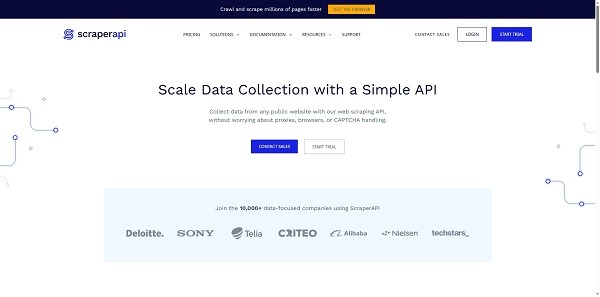
ScraperAPI is a developer-focused scraping proxy that handles IP rotation, browser rendering, and CAPTCHA solving through a straightforward API call. You send a URL; it returns the HTML. The simplicity is the appeal—there’s no visual builder, no workflow designer, just a clean API you can integrate into any Python, JavaScript, PHP, or Ruby project with a single line of code.
Key strengths:
- Simple API: one endpoint, one API key, add the target URL as a parameter
- Automatic proxy rotation using residential, datacenter, and mobile proxies
- JavaScript rendering for dynamic pages
- Structured data endpoints for popular sites (Amazon, Google, etc.) return pre-parsed JSON
- DataPipeline feature for scheduling and managing scraping jobs without code
Pricing:
| Plan | Price | API Credits |
| Hobby | $49/mo | 100,000 |
| Startup | $149/mo | 1,000,000 |
| Business | $299/mo | 3,000,000 |
Considerations: ScraperAPI is an excellent proxy-and-rendering layer, but you still need to write your own parsing logic to extract specific data fields from the returned HTML. If you’re a developer, that’s fine. If you’re a non-technical user, this isn’t the right fit — you’d be better served by Octoparse’s visual approach, which handles both the fetching and the data extraction in one interface.
3. Bright Data: Best for Enterprise-Scale Proxy Infrastructure
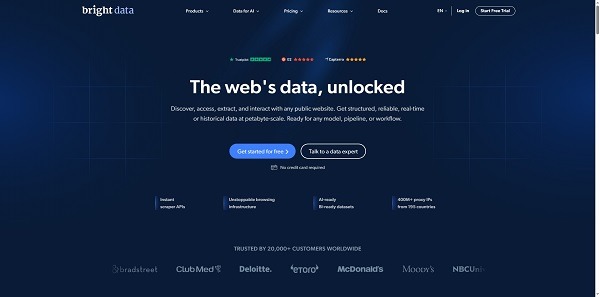
Bright Data is the 800-pound gorilla of the web data industry. With over 150 million residential IPs, pre-built scraper APIs for 120+ domains, a scraping browser compatible with Puppeteer and Playwright, and ready-made datasets, it’s the most comprehensive platform available. It’s also the most complex to navigate and the most expensive.
Key strengths:
- Largest proxy network in the industry (150M+ residential, mobile, ISP, datacenter IPs)
- Web Scraper API with pre-built collectors for 120+ major websites
- Scraping Browser integrates with Playwright and Puppeteer
- Ready-made datasets for e-commerce, real estate, jobs, and social media
- GDPR and CCPA compliant with rigorous KYC processes
Pricing: Consumption-based and varies by product. Proxy pricing ranges from ~$3/GB (datacenter) to $15+/GB (residential). Web Scraper API charges $1.50–$2.50 per 1,000 requests. Most meaningful usage starts around $500/month or higher. Enterprise plans require contacting sales.
Considerations: Bright Data is powerful but overwhelming for small teams. The pricing model is complex — you’re juggling per-GB proxy costs, per-request API charges, and potential compute fees. For teams that need massive scale and have engineering resources, it’s hard to beat. For everyone else, the learning curve and cost barrier are significant. Octoparse offers a much more accessible entry point with predictable monthly pricing and no need to manage proxy infrastructure separately.
4. Apify: Best Marketplace of Pre-Built Scrapers
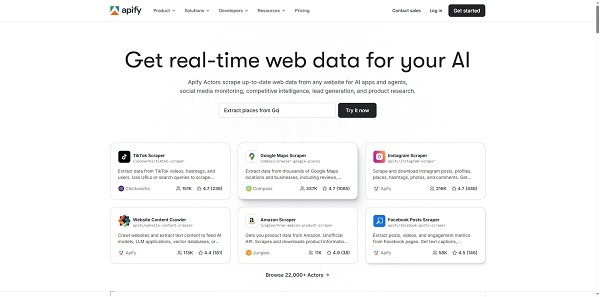
Apify operates a cloud platform with a marketplace of pre-built scraping scripts called “Actors.” There are actors for scraping Amazon, Instagram, Google Maps, LinkedIn, and hundreds of other sites. You can also build custom actors in JavaScript or Python.
Key strengths:
- Large marketplace with thousands of community-built and official scraping actors
- Custom actor development using JavaScript/Node.js or Python
- Cloud execution with headless browser support (Puppeteer, Playwright)
- API access for workflow automation
- Generous free tier for testing
Pricing:
| Plan | Price |
| Free | $0 (limited) |
| Starter | $49/mo |
| Scale | $499/mo |
| Business | $999/mo |
Considerations: Apify’s actor marketplace is a strength and a weakness. Quality varies — some community actors break when target sites change, and maintenance depends on the original author. The platform is more developer-focused than no-code tools. If you prefer a visual workflow with reliable, officially maintained templates, Octoparse’s 600+ first-party templates provide a more consistent experience.
5. ParseHub: Best for Simple Visual Scraping Projects
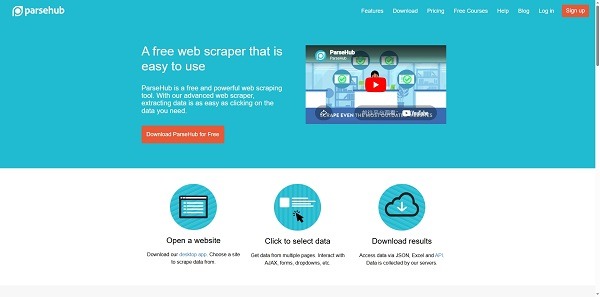
ParseHub offers a point-and-click scraping interface that handles JavaScript-rendered and dynamic websites. It’s similar in concept to Octoparse but with a narrower feature set.
Key strengths:
- Visual, no-code interface
- Handles JavaScript rendering and dynamic content
- Cloud-based scheduling and storage
- Exports to CSV, Excel, JSON
Pricing:
| Plan | Price | Pages per Run |
| Standard | $189/mo | 10,000 |
| Professional | $599/mo | 10,000+ |
| Enterprise | Custom | Unlimited |
Considerations: ParseHub is straightforward but limited. It lacks built-in CAPTCHA solving and geotargeting, which means you’ll hit walls on heavily protected sites. The pricing is steep for what you get—Octoparse’s Standard plan at $119/mo includes more tasks, cloud execution, anti-blocking features, and a much larger template library. ParseHub is fine for lightweight projects, but it doesn’t scale as well for production workloads.
6. Diffbot: Best for AI-Powered Automatic Data Extraction
Diffbot uses machine learning to automatically identify and extract structured data from web pages. Point it at an article page, and it returns the title, author, body text, and publish date as structured JSON without any configuration or rules setup.
Key strengths:
- AI-powered extraction: no manual selectors or workflow configuration needed
- High accuracy for articles, products, discussion threads, and profile pages
- Knowledge Graph API for entity-level data retrieval
- Batch and real-time API access
Pricing:
| Plan | Price | API Credits |
| Startup | $299/mo | 250,000 |
| Plus | $899/mo | 1,000,000 |
| Enterprise | Custom | Custom |
Considerations: Diffbot’s AI approach works well for common page types (product pages, articles), but gives you no control when it misclassifies elements or misses data. For projects where you need precise, configurable extraction — choosing exactly which fields to capture and how — Octoparse’s visual selector gives you that control while still being code-free.
7. WebScraper: Best Lightweight Browser Extension
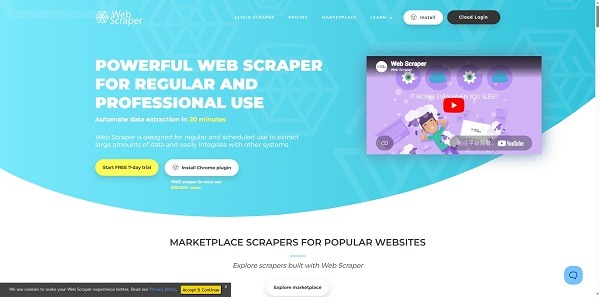
WebScraper.io is a Chrome extension that lets you build sitemaps to navigate and extract data from websites. It’s free for local use, with paid cloud plans for scheduling and larger jobs.
Key strengths:
- Free Chrome extension for basic scraping
- Sitemap-based data extraction logic
- Cloud plans for scheduled, automated scraping
- Exports to CSV, Excel, JSON
Pricing:
| Plan | Price | Cloud Credits (1 credit = 1 page) |
| Project | $50/mo | 5,000 |
| Professional | $100/mo | 20,000 |
| Business | $200/mo | 50,000 |
Considerations: WebScraper.io is lightweight and affordable for small jobs, but it struggles with dynamic content and JavaScript-heavy sites. It has no built-in anti-blocking, no CAPTCHA solving, and limited support for complex page interactions. For anything beyond basic scraping, Octoparse offers far more capability at a comparable price — and the cloud-first architecture is more reliable for production use.
8. Zyte: Best for Scrapy Framework Users
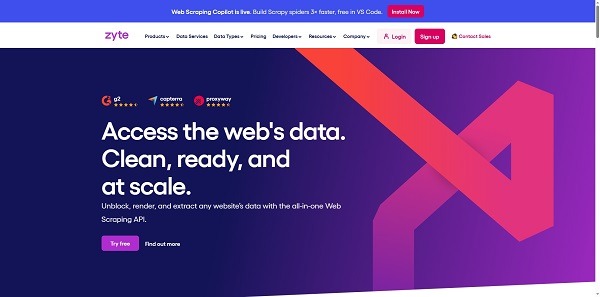
If your team already uses the open-source Scrapy framework, Scrapy Cloud (by Zyte) lets you deploy, schedule, and monitor your spiders in the cloud. It’s essentially cloud hosting for Scrapy projects with added monitoring and retry handling.
Key strengths:
- Direct deployment for Scrapy spiders
- Cloud-based scheduling, logging, and monitoring
- Data storage and export (JSON, CSV, XML)
- Automatic retry and ban handling
Pricing: Starts at $9/unit/month (1 unit = 1 GB RAM + 1 concurrent crawl). Scaling up means adding units, and costs can become unpredictable for large projects.
Considerations: This is only relevant if your team has Scrapy expertise. There’s no visual builder, no templates. You’re writing and maintaining Python spiders. For teams without dedicated developers, Octoparse provides the same cloud execution and scheduling with a visual interface that doesn’t require Python knowledge.
9. PromptCloud: Best Fully Managed Web Scraping Service
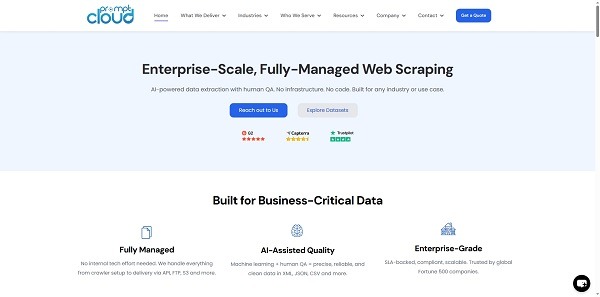
PromptCloud is a white-glove service: you tell them what data you need, and their team builds, operates, and maintains the entire scraping pipeline. You receive clean, structured data on a schedule via API, S3, or other delivery methods.
Key strengths:
- Completely managed — no technical involvement required from your team
- Custom extraction workflows tailored to your requirements
- Scalable infrastructure for high-volume, ongoing data collection
- Multiple data delivery formats and methods
- Dedicated customer support
Pricing: Custom only, based on project scope, data volume, and frequency. Expect significantly higher costs than self-serve tools.
Considerations: PromptCloud doesn’t accept one-time scraping requests; they focus on ongoing data feeds. If you want more control over your extraction logic and don’t want to rely on a third party for every adjustment, a self-serve tool like Octoparse gives you that autonomy while still being accessible to non-technical users.
10. Datahut: Best Managed Service for Smaller Projects
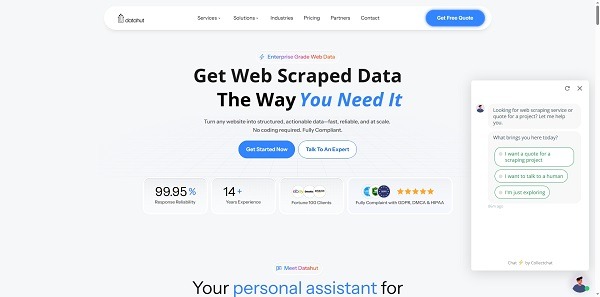
Datahut offers managed web scraping with a dual-layer quality assurance process (machine + human checks). They’re more accessible than PromptCloud for smaller or one-time projects.
Key strengths:
- Managed extraction with an accuracy guarantee
- Flexible delivery via API, FTP, S3, Dropbox, or email
- Specialized solutions for e-commerce and real estate data
- Starts at $40/site for basic extractions
Pricing: Usage-based, starting from $40 per website. Custom pricing for larger projects and enterprise needs.
Considerations: Good for teams that genuinely can’t invest any time in scraping setup. But at $40 per site with custom pricing that scales up quickly, you could run Octoparse’s standard plan at $119/month and scrape 100 different sites yourself—with full control over what you extract and when.
11. ScrapeBadger: Best for Social Media and Search Data
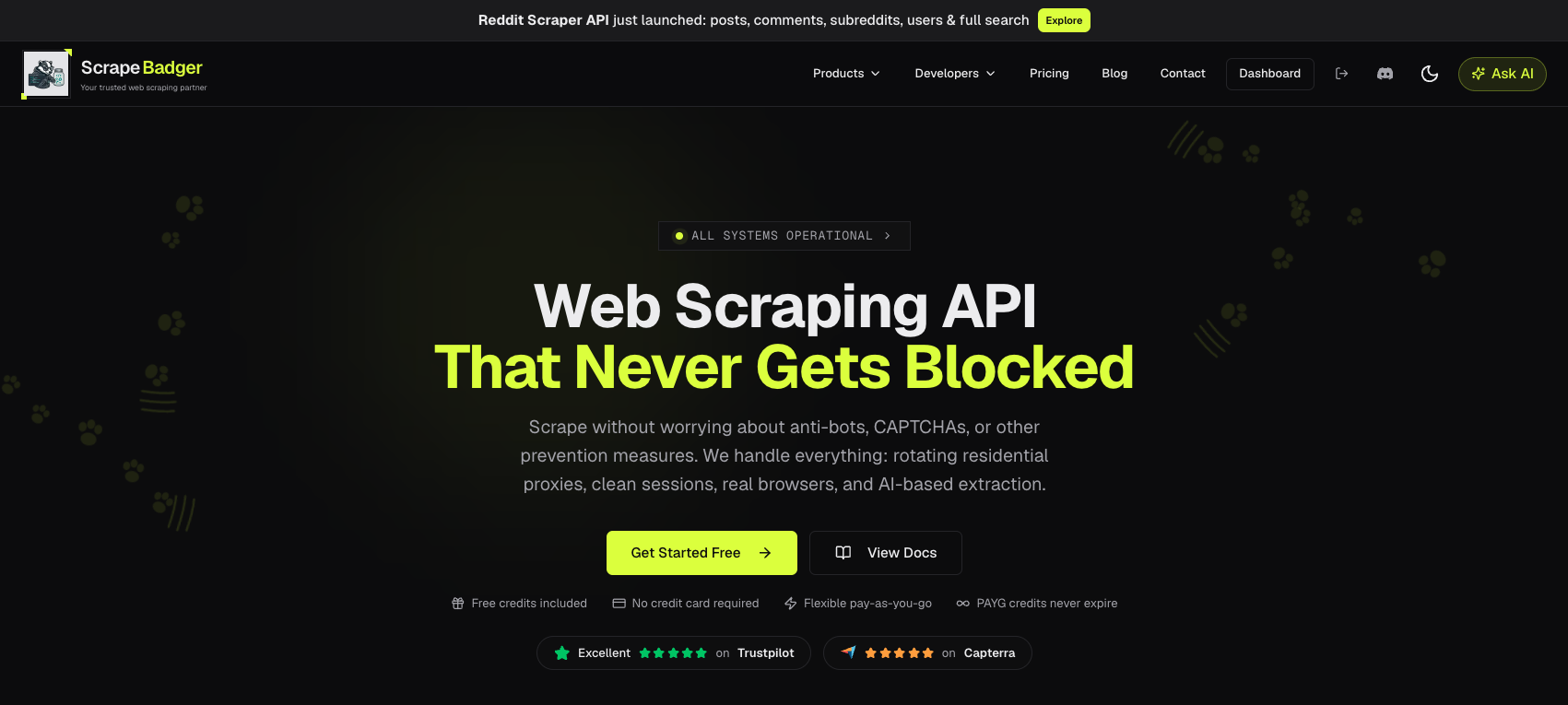
ScrapeBadger takes a different approach from general-purpose scraping APIs. Rather than returning raw HTML for you to parse, it ships dedicated scrapers for individual platforms: over 40 of them, each returning structured JSON with fields already extracted and typed. Twitter/X, Reddit, and Google are the deepest coverage areas, with TikTok, YouTube, LinkedIn, Amazon, eBay, and a range of real estate portals also supported.
Key strengths:
- Platform-specific endpoints: 40+ for Twitter/X (tweets, profiles, lists, trends, spaces, real-time streams), 22 for Reddit, and 18 Google products including SERP, Maps, News, Trends, Shopping, Flights, and AI Overviews
- Structured JSON output: no HTML parsing step, fields come back named and ready to use
- Built-in anti-blocking: automatic bypass for Cloudflare, DataDome, Akamai, Imperva, PerimeterX, and Kasada, with residential proxies and CAPTCHA solving included on every plan
- MCP server for AI agents: connects every scraper to Claude, ChatGPT, Cursor, and Windsurf, letting non-developers pull data in plain English without writing API calls
- Failed requests are never charged: you only pay for successful responses
- Official Node.js and Python SDKs, plus pay-as-you-go credits that never expire
Pricing:
| Plan | Price |
| Pay-as-you-go | From $10 |
| Starter | $49/mo |
| Growth | $129/mo |
| Scale | $699/mo |
New accounts include 1,000 free credits with no credit card required.
Considerations: ScrapeBadger’s dedicated endpoints are a genuine time-saver on supported platforms, but coverage is the trade-off—if your target site isn’t one of the 40+ supported, you fall back to the general web scraper and handle parsing yourself. The MCP server lowers the technical barrier for teams already working inside AI tools, though it’s still a chat interface rather than a visual one. For non-technical users who want to point, click, and schedule extraction workflows across arbitrary sites, Octoparse’s visual builder remains the more direct route.
Self-Serve vs. Managed: Which Type Should You Choose?
- Choose self-serve (no-code) if you have team members who can spend 30 minutes to an hour learning a visual scraping tool. Octoparse is the strongest option here—its template library means many tasks require near-zero setup, and the visual builder handles the rest.
- Choose self-serve (API) if your team has developers who prefer writing code and want granular control over request handling. ScraperAPI and Apify are solid picks, depending on whether you want raw HTML returns or pre-built scraping scripts.
- Choose managed/white-glove if your data needs are highly specialized, your volume is massive, and you have zero technical resources to allocate. PromptCloud and Datahut handle everything, but you pay a premium for that convenience.
For most businesses, a self-serve no-code solution like Octoparse hits the sweet spot: powerful enough for production use, accessible enough for non-developers, and priced predictably enough to budget for.
Final Decision Checklist
Before committing to any web scraping service, test it against these criteria:
- Can you get started fast? Use the free plan or trial. If you can’t complete a basic scraping task within an hour, the tool is too complex for your team.
- Does it handle your target sites? Test against the actual websites you need to scrape, especially JavaScript-heavy or anti-bot-protected ones.
- Are templates available for your targets? Pre-built templates for sites like Amazon, Google Maps, or LinkedIn can cut setup time from hours to minutes. Octoparse’s library of 600+ templates is the largest among no-code tools.
- Is anti-blocking built in? You shouldn’t need to source and manage your own proxies separately. Built-in IP rotation, CAPTCHA solving, and fingerprint management should be table stakes.
- Can it scale with you? Cloud execution, concurrent processing, and scheduling are essential for production workloads. Make sure the service won’t bottleneck as your data needs grow.
- Is pricing transparent? Know exactly what you’re paying for—per task, per credit, per GB. Predictable monthly pricing (like Octoparse’s subscription model) is easier to budget than consumption-based billing that fluctuates wildly.
The right web scraping service depends on your team, your technical comfort level, and your data goals. But if we had to recommend one starting point for most businesses in 2026, it’d be Octoparse. Sign up for the free plan, test a few templates on your target sites, and run your first cloud scrape. You’ll know within an hour whether it fits.
FAQs about Web Scraping Services
- What is the best web scraping service for beginners?
Octoparse is the top choice for beginners. Its visual point-and-click interface requires zero coding, and the library of 600+ pre-built templates lets you extract data from popular sites by simply entering a URL and a few parameters. The free plan gives you 10 tasks to test before upgrading.
- Can web scraping services bypass CAPTCHA?
Yes — most professional-grade services include CAPTCHA solving. Octoparse, ScraperAPI, and Bright Data all handle CAPTCHA automatically. Basic tools like WebScraper.io and ParseHub generally do not, which means you’ll get blocked on protected sites.
- What’s the difference between a scraping API and a no-code scraper?
A scraping API (like ScraperAPI) returns raw HTML that you then parse with your own code. A no-code scraper (like Octoparse) handles both fetching the page and extracting specific data fields through a visual interface — no code needed at any step.
- Is web scraping legal?
Web scraping of publicly available data is generally legal, but the specifics depend on the website’s terms of service, the type of data collected, and the jurisdiction. Regulations like GDPR restrict scraping personal data in the EU. Always review a site’s robots.txt and terms of service, and consult legal advice for sensitive projects.
- How much does web scraping cost?
Costs range from free (Octoparse’s free plan, WebScraper.io’s Chrome extension) to thousands per month (Bright Data enterprise plans, managed services like PromptCloud). For most mid-size businesses, $100–$300/month covers production-grade scraping with a self-serve tool. Octoparse’s Standard plan at $119/month is a common starting point.