You already know how frustrating it is. Your AI assistant can write marketing copy, plan strategies, and fix code. But the moment you ask it to check a competitor’s price or update a CRM record, it stops. It just talks.
MCP servers fix that. An MCP (Model Context Protocol) server is a lightweight program that serves as a standardized bridge, connecting AI models (such as Claude) with external tools, databases, and data sources.
With those AI connectors, you can let AI assistants like Claude directly read, write, and act on data inside your business tools like Octoparse, Slack, Shopify, HubSpot, and more, no coding required.
This guide covers the 11 best MCP servers for business users in 2026: the no-code options that turn Claude from a chatbot into a real business partner.
Quick Answer
The top 11 MCP servers in 2026 span five categories: web scraping (Octoparse, Apify), communication (Slack, Google Workspace, Notion), e-commerce (Shopify, Stripe), CRM (HubSpot), and workflow automation (Zapier).
Start with Octoparse MCP if you work with external data like competitor prices, lead lists, job postings, or market research. It’s the fastest way to give your AI eyes on the live web, and it requires zero setup beyond a copy-paste install.
What Is a MCP Server?
MCP Server Explained
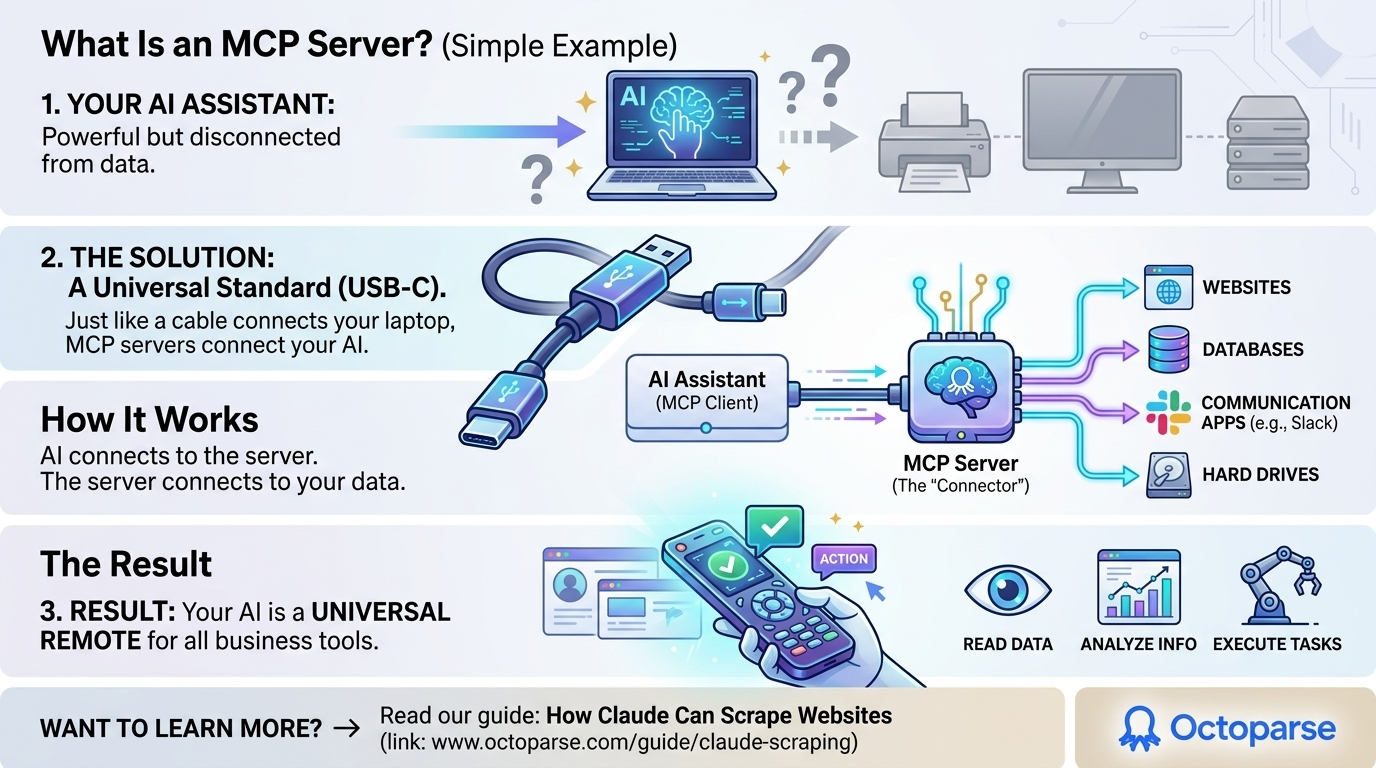
To simplify, think of your AI assistant like a powerful laptop and the MCP servers as the USB-C cable that connects it to the outside world or to the live web data.
The AI assistant (the client) uses the MCP server to connect directly to data sources such as websites, databases, and business apps. Once connected, the AI can read and process that data or perform tasks across your tools.
Essentially, MCP transforms your AI into a universal remote for your entire business stack.
Is MCP Server Safe? MCP Server Security Best Practices
Connecting your AI to live business data is powerful , but it raises a fair question: what happens to your data?
No worries. I’ve listed what you need to know below before connecting any MCP server to your business stack:
1. Always use official or verified integrations
Stick to MCP servers published by the tool’s official vendor (like Atlassian’s official Remote MCP Server, or Stripe’s official integration). Third-party servers built by unknown developers carry higher risk. If a server is not listed on the vendor’s official site or a verified directory like PulseMCP, treat it with caution.
2. Use read-only permissions where possible
Most MCP servers let you configure what level of access your AI has. For research and reporting tasks, grant read-only access. Only enable write access (the ability to create, update, or delete records) when your workflow genuinely requires it.
3. Never connect servers that ask for more than they need
A web scraping MCP like Octoparse does not need access to your CRM. A Slack MCP does not need access to your payment data. If a server requests permissions beyond its stated purpose, that is a red flag.
4. Check for OAuth authentication
The safest MCP servers use OAuth 2.0, a standard that lets you grant access without sharing your actual password. Atlassian MCP and HubSpot MCP all use OAuth. Avoid servers that require you to paste raw API keys into configuration files unless you understand what you are doing.
5. Audit access regularly
Most business tools let you review which apps have access to your account. Set a reminder to review your connected MCP servers every 90 days and revoke any you are no longer using.
The short version: stick to official integrations, use the minimum permissions needed, and audit regularly. The MCP servers on this list were chosen in part because they meet these standards.
Why Should You Use an MCP Server?
If you look through the MCP servers’ GitHub repositories for five minutes, you will see that many of these tools are only for engineers. A marketing manager or sales director cannot manage complex AWS MCP servers or deploy custom code.
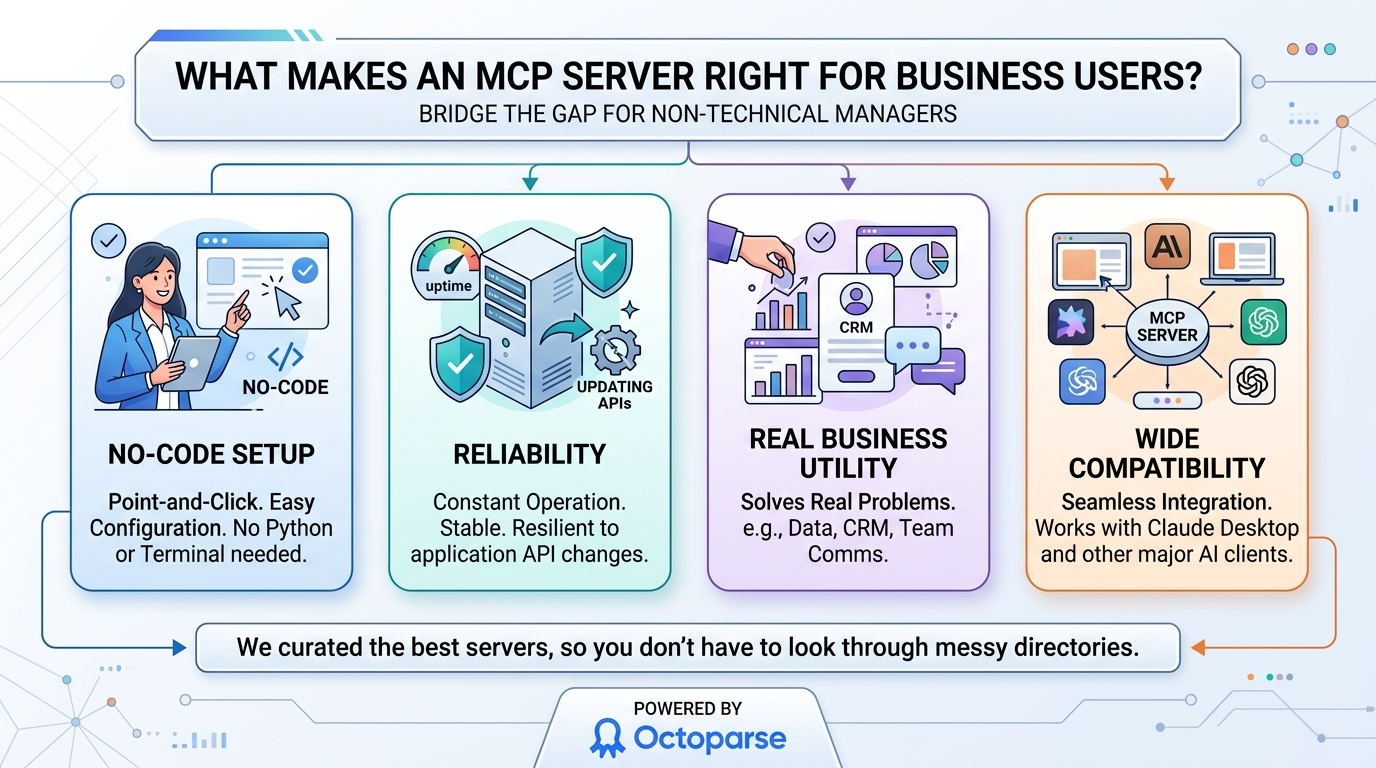
What makes an MCP server useful for people who are not tech-savvy? We used a few strict rules to make our great list of MCP servers:
- No-Code Setup: You should not have to write Python scripts or open a terminal window. Setting up should be as easy as point-and-click or copy-and-paste.
- Reliability: The server needs to work all the time and not break every time an app updates its API.
- Real Business Utility: It has to help with a real business problem, such as getting data out, managing customers, or communicating with your team.
- Wide Compatibility: It must work seamlessly with major AI clients, such as Claude Desktop.
You do not have to spend hours looking through an awesome-mcp-servers directory. We did the hard work for you.
11 Best MCP Servers in 2026
This is the best list of MCP servers for teams looking to automate their work without writing any code. I will separate the MCP Servers into multiple categories: Web Scraping, E-commerce, Documentation, AI automation, Communication and Developer Tools.
Web Scraping MCPs
Octoparse MCP
Octoparse MCP allows your AI assistant to browse live websites, monitor competitor prices, and extract structured web data without any coding.
Best for: Getting data from the web and learning about the market
Your AI is great, but it can not see the live, unstructured web. Claude is a powerful AI assistant, but it cannot natively browse live websites, monitor competitor prices, or aggregate job postings on its own. Octoparse MCP fixes this right away.
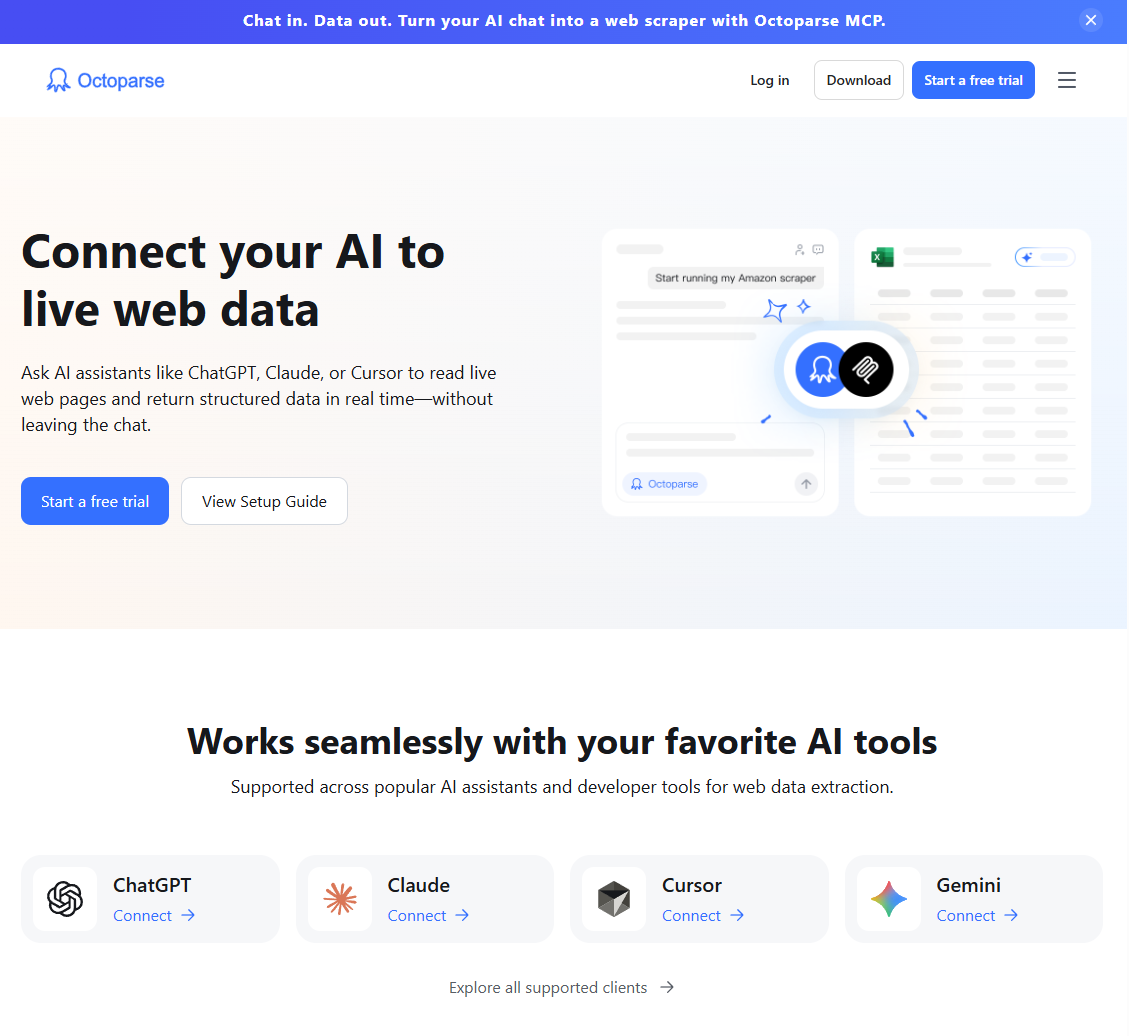
Octoparse MCP makes ChatGPT, Claude, Cursor or Gemini your own web scraper that requires no code. You do not have to write extraction logic or make complicated scraping templates. Just tell the LLMs to go to a URL and fetch the data you want.
For Google Maps data, the Google Maps MCP Server gives Octoparse MCP a dedicated maps workflow. Ask by keyword and location, then return structured business data for research, lead generation, or market checks.
Want to keep an eye on Amazon prices? Do you need to get hundreds of leads from a directory? You just tell the AI clients like Claude what you need, it can help you find the best templates to finish this task and create scraping workflows for you behind the scenes with Octoparse MCP connected. You do not even have to deal with API keys to get started. It works right inside the Claude Desktop. There is no doubt that it is the best way to connect your AI to the real web.
Apify MCP
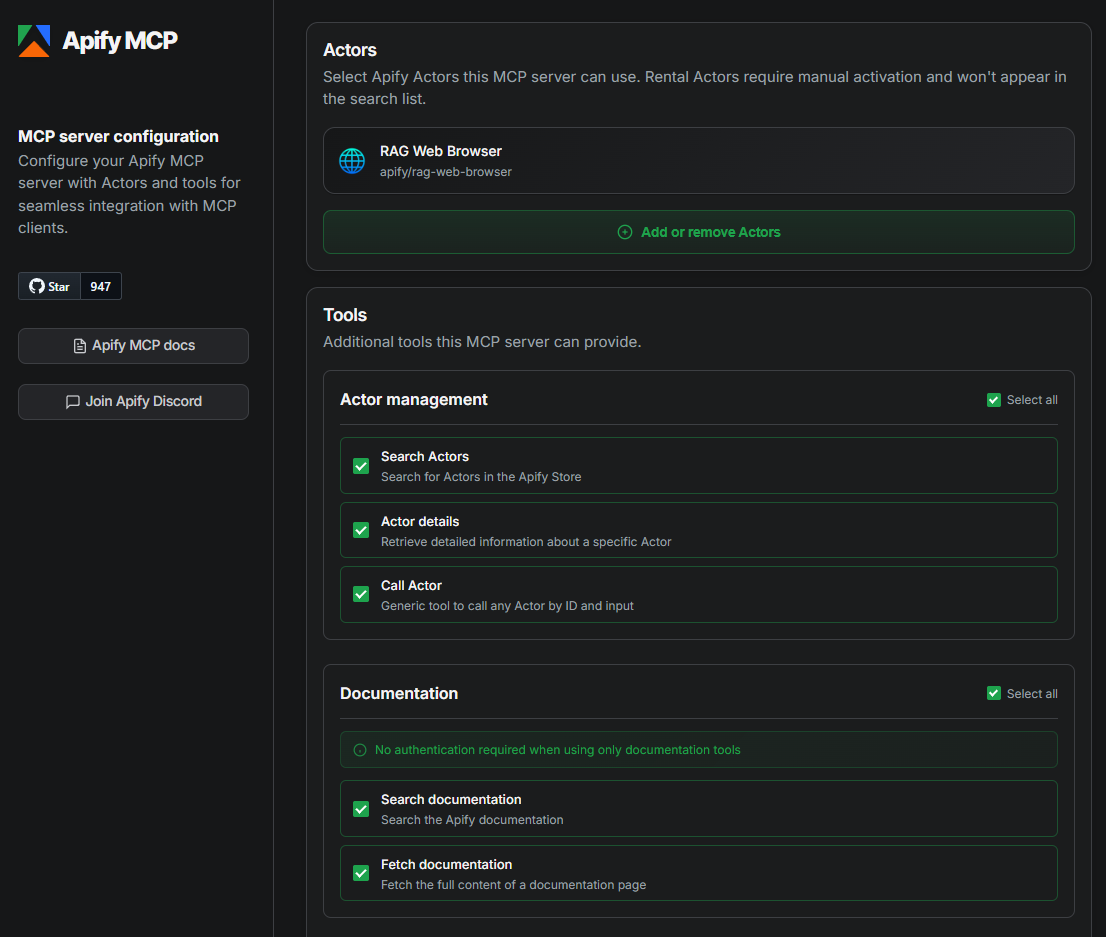
Apify MCP is a web scraping platform built for developers, enabling AI tools to interact with a large library of pre-built “Actors” to run scraping tasks.
Best for: Web scraping for developers, with a large library of pre-built “Actors.”
Apify uses a model for developers that is based on separate scraping programs called “Actors.”
With Apify MCP, AI tools like ChatGPT, Claude, or Cursor can interact directly with Apify’s web scraping platform. This means you only need to write prompts to start Apify Actors, get structured data, and run scraping tasks.
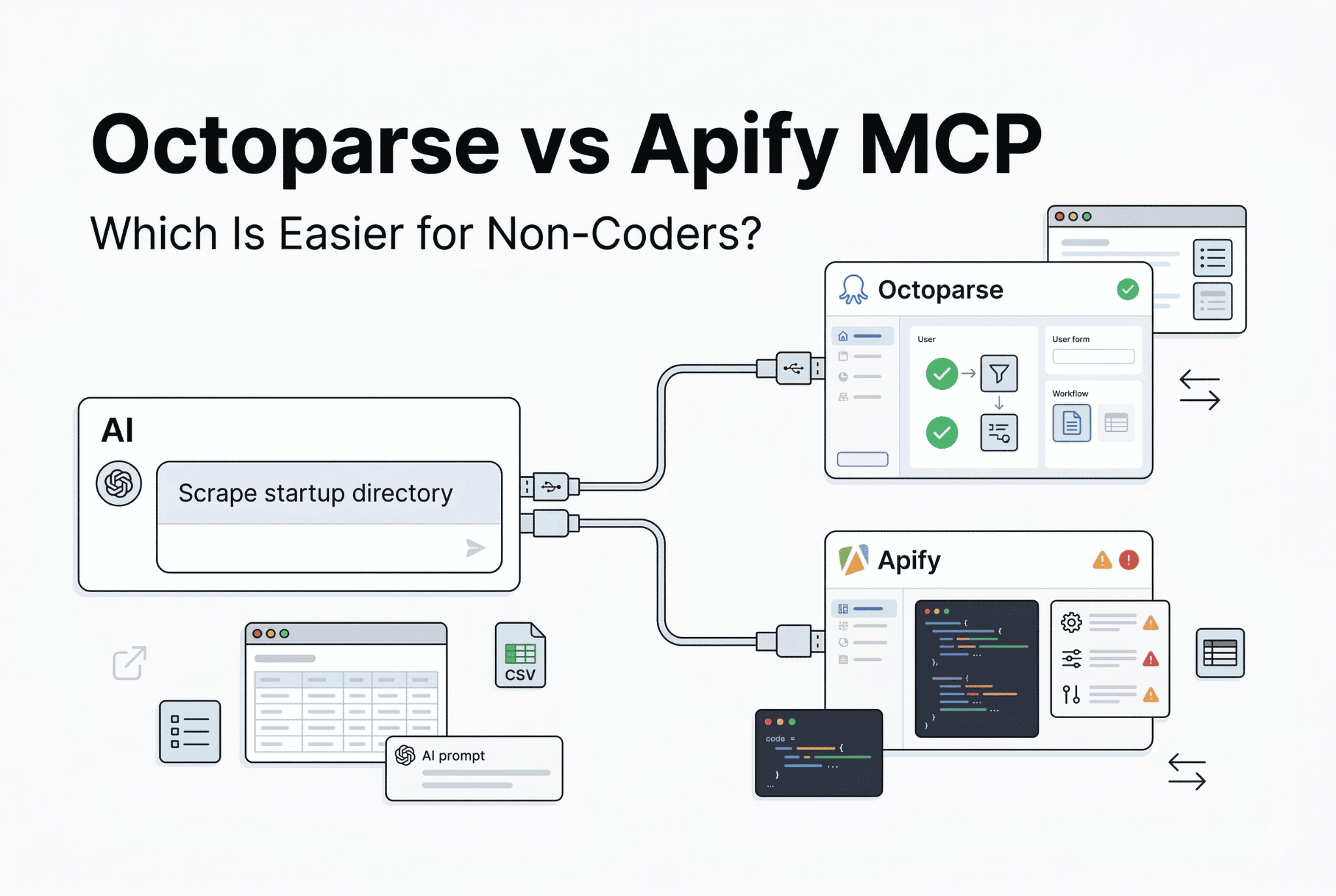
📑Read more about Apify MCP vs Octoparse MCP.
Documentation MCPs
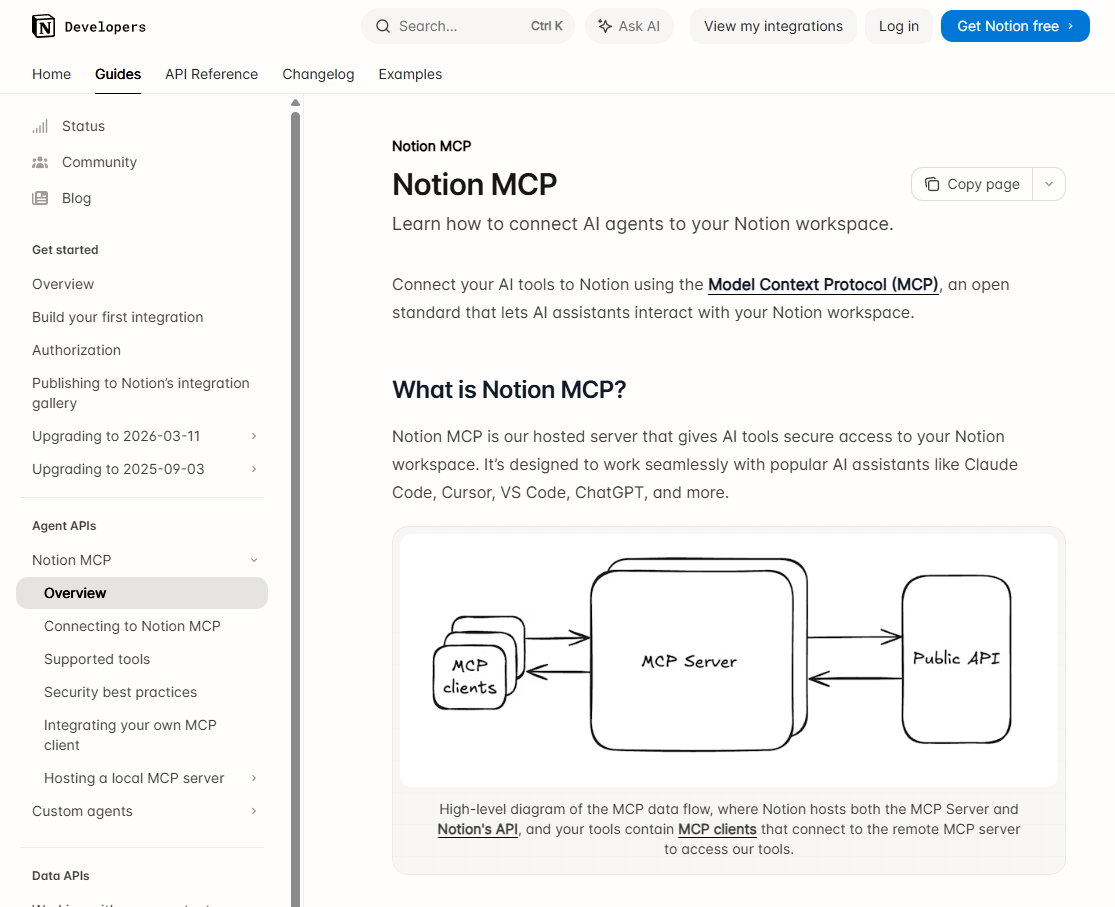
Notion MCP
Notion MCP transforms your internal documents and wiki pages into a conversational interface, making it easy for your AI to summarize, find, and act on knowledge.
Best for: Managing knowledge and internal documents
People who work in operations, project management, and content creation spend a lot of time in Notion. But it can be very hard to find the exact document you need or put together information from several wiki pages. The Notion MCP removes all that friction.
Notion makes every part of your office a place where people can talk.
You will never have to use the search bar again. You could say to your AI, “Summarize the notes from last week’s product marketing meeting and write an email to the design team based on the things that need to be done.” The server reads your Notion pages, understands their meaning, and generates exactly what you need. Connect the server, grant it access to your workspace, and you are ready to go.
Google Workspace MCP
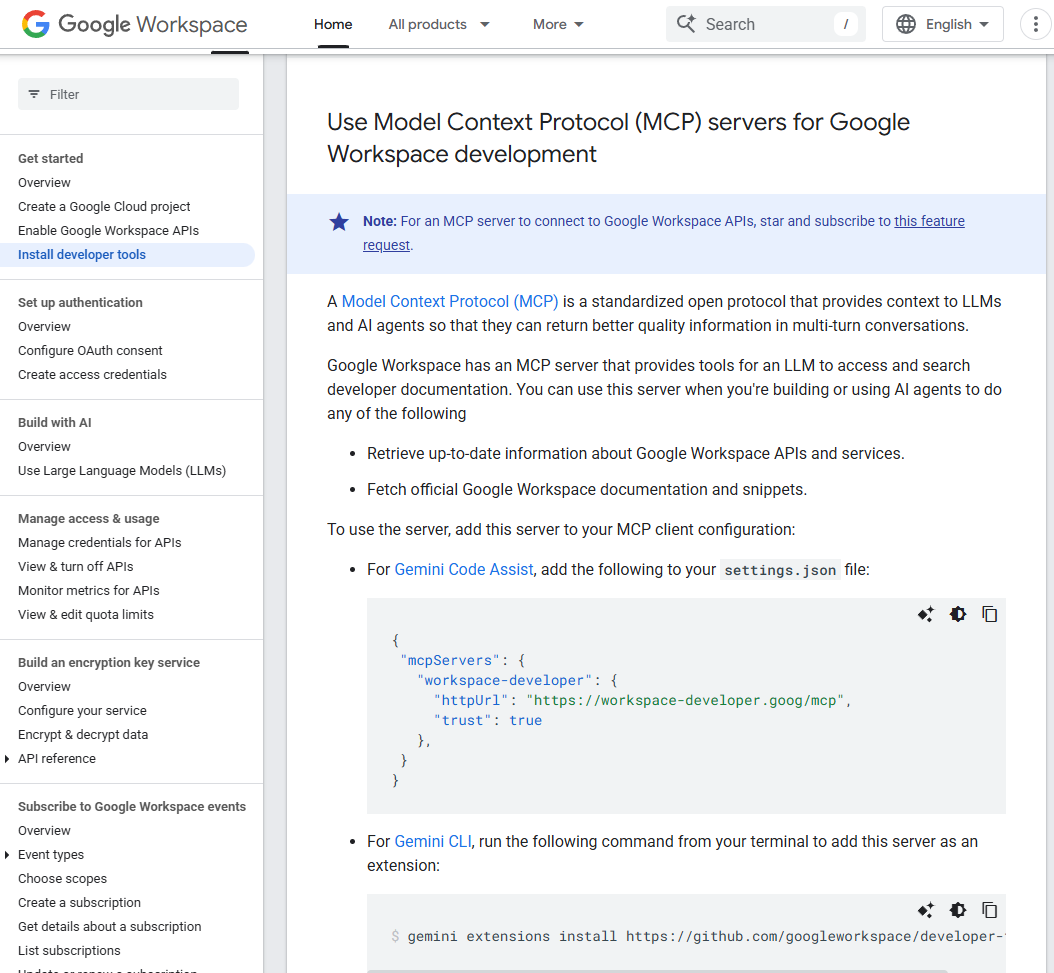
The Google Workspace MCP integrates your AI with Gmail, Drive, and Calendar, allowing you to manage emails, find files, and check your schedule from one place.
Best for: Keeping track of Gmail, Drive, and Calendar
This is one of the most useful tools for everyone on our great list of MCP servers. Almost all modern businesses use Google Workspace. Your inbox, calendar, and files are all part of your AI workflow with the Google Workspace MCP.
Why should someone who is not technical care? Switching between tasks is killing your productivity.
You do not have to leave Claude to check your schedule or find a PDF in Drive. You can do it all in one place. Tell Claude, “Look for the Q3 financial report in my Drive, pull out the most important numbers, and write an email to my boss that talks about how the revenue has grown.” It is an official integration, which means it meets Google’s strict security standards and makes things easier for you in ways no other service can.
Communication MCPs
Slack MCP
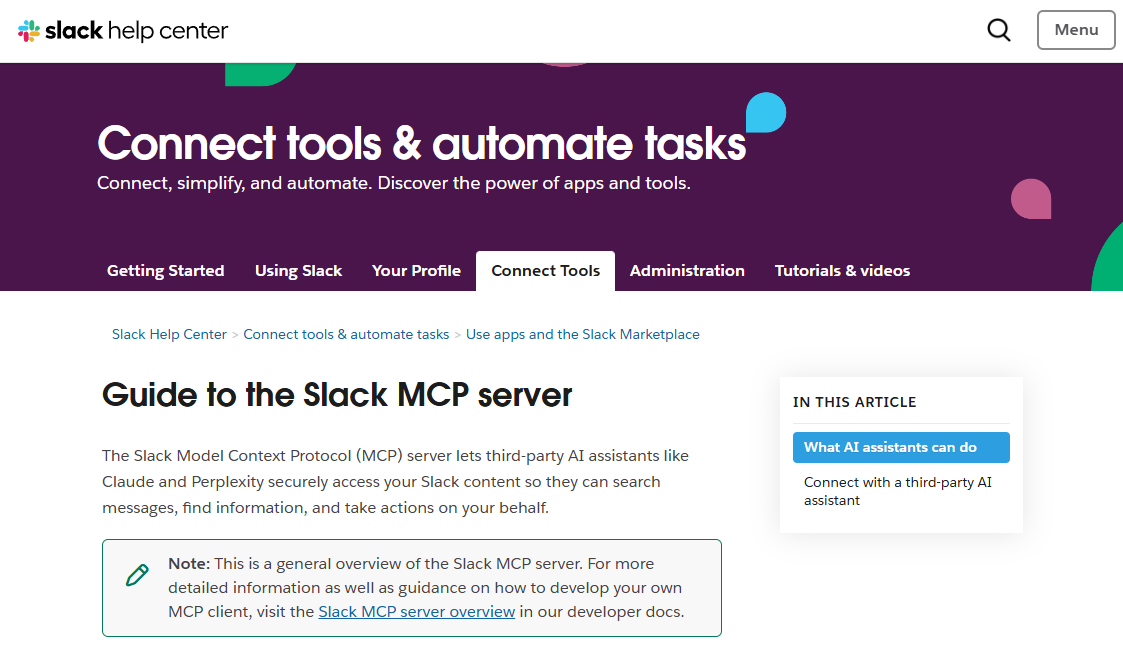
Slack MCP gives your AI the ability to read, summarize, and post information to your company’s communication channels, acting as an automated chief of staff.
Best for: Talking to your team and finding information
The Slack MCP is a lifesaver if your team is buried in unread Slack channels and messy threads. It lets your AI read, summarize, and even post to your company’s communication hub.
What does it matter to someone who is not technical? Think of it as an automated chief of staff for your Slack workspace.
Picture waking up to 40 unread messages in your #sales-pipeline channel. You do not have to read through a lot of talk; you just say, “Give me a summary of the sales pipeline channel from the last three days and only list the closed deals.” It also works great with Octoparse MCP. You can also ask Claude to use Octoparse to scrape your competitors’ prices, then post the results to a Slack channel for your team right away.
E-commerce MCPs
Shopify MCP
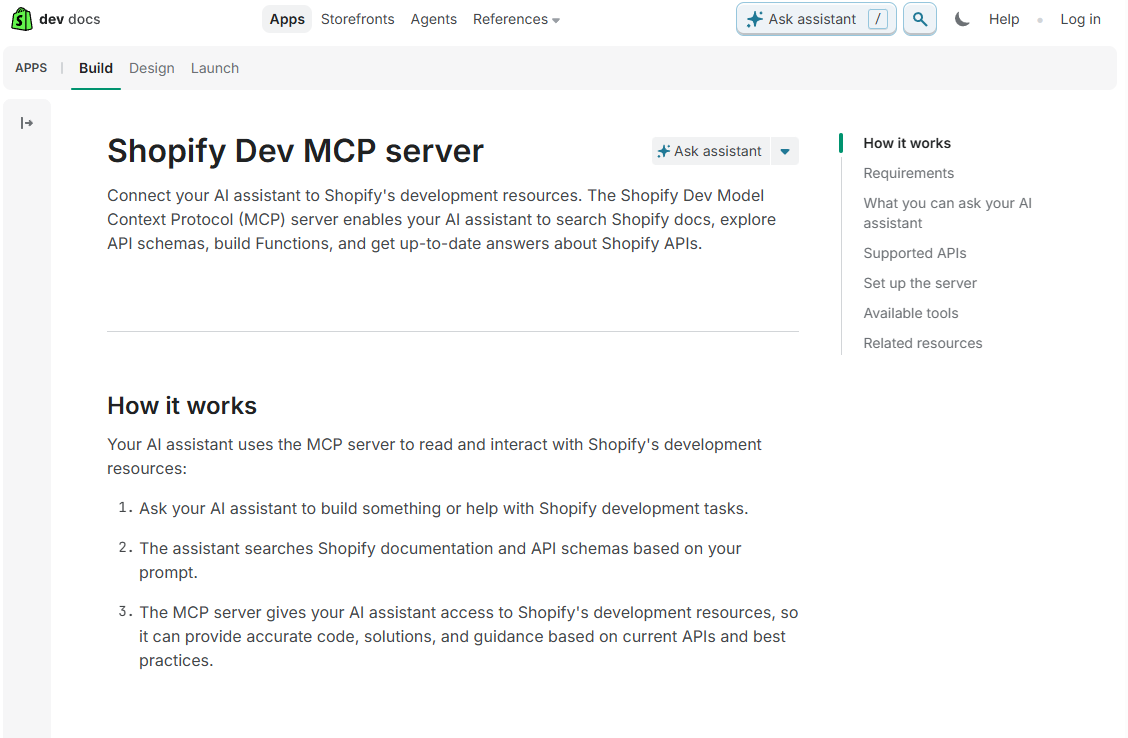
Shopify MCP lets e-commerce managers query their storefront data in plain language to check inventory levels, order statuses, and revenue trends.
Best for: running an online store
You have to keep an eye on metrics like inventory levels, order statuses, and revenue trends all the time when you run an online store. The Shopify MCP lets e-commerce managers talk to their storefront data.
Why should someone who is not technical care? It replaces complicated dashboard reporting.
You do not have to make a custom report; you can just ask, “What were my top 10 products by revenue last month?” or “Which orders from the weekend are still waiting to be filled?” The use cases get even stronger when you use them with the Octoparse MCP. You can use Shopify to view the metrics for your own products, and Octoparse to compare the prices of those same products with competitors’ prices on other websites.
Stripe MCP
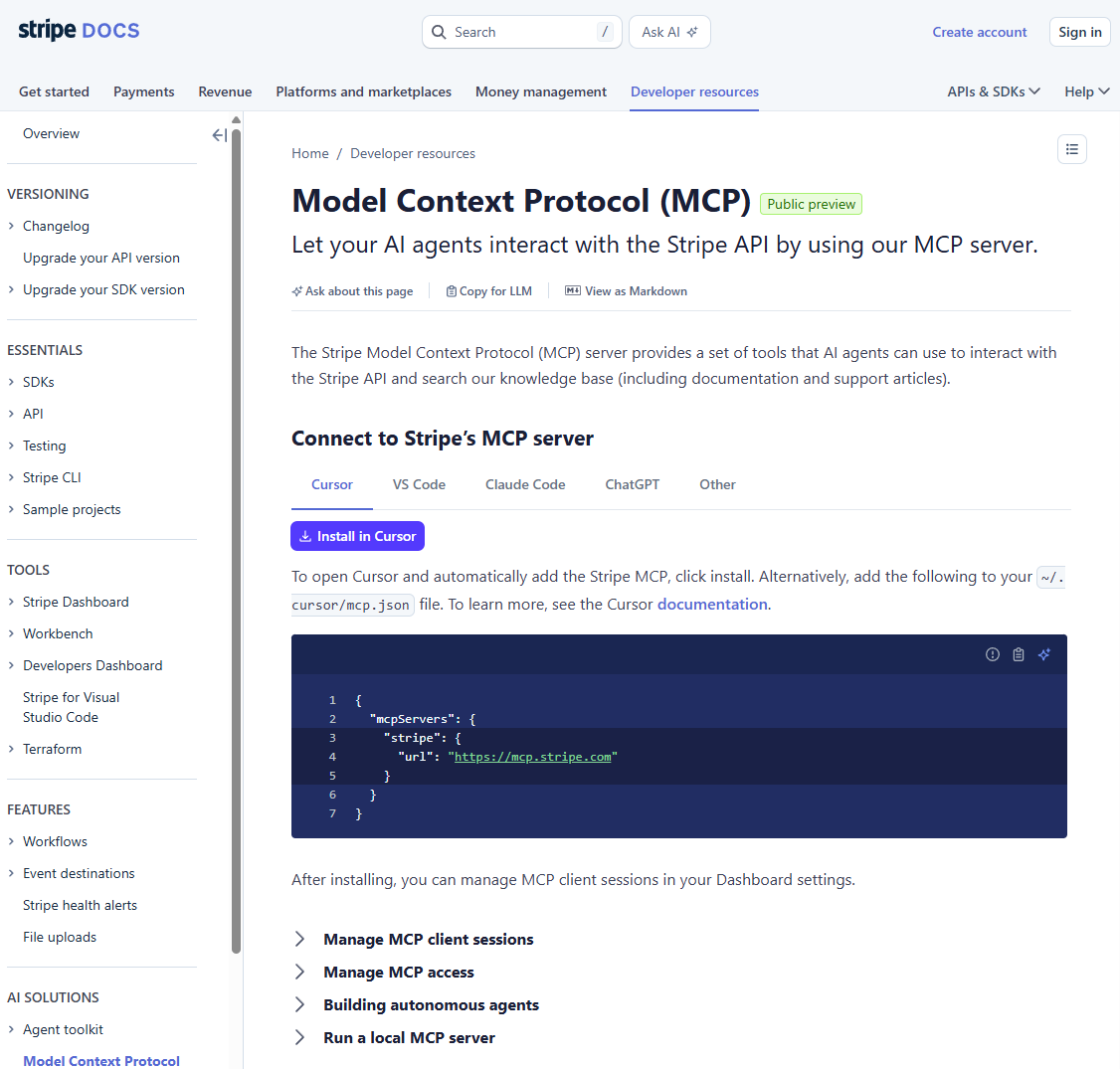
Stripe MCP provides direct, secure access to your financial metrics, allowing you to get immediate insights into revenue, MRR, and churn without a Business Intelligence tool.
Best for: Financial data & revenue tracking
Finance teams, founders, and revenue operators often spend hours exporting CSVs and creating pivot tables to understand cash flow. With the official Stripe MCP integration, you can directly access your financial metrics in plain language.
What does this matter to someone who is not tech-savvy? You can get answers to important financial questions right away without using a Business Intelligence tool.
You can say, “Show me our Monthly Recurring Revenue (MRR) for the first quarter and let me know if there are any unexpected spikes in churn.” The AI safely requests information from your Stripe account, reviews it, and provides clear, easy-to-read insights. It makes financial analysis really easy to understand.
AI Automation MCPs
Zapier MCP
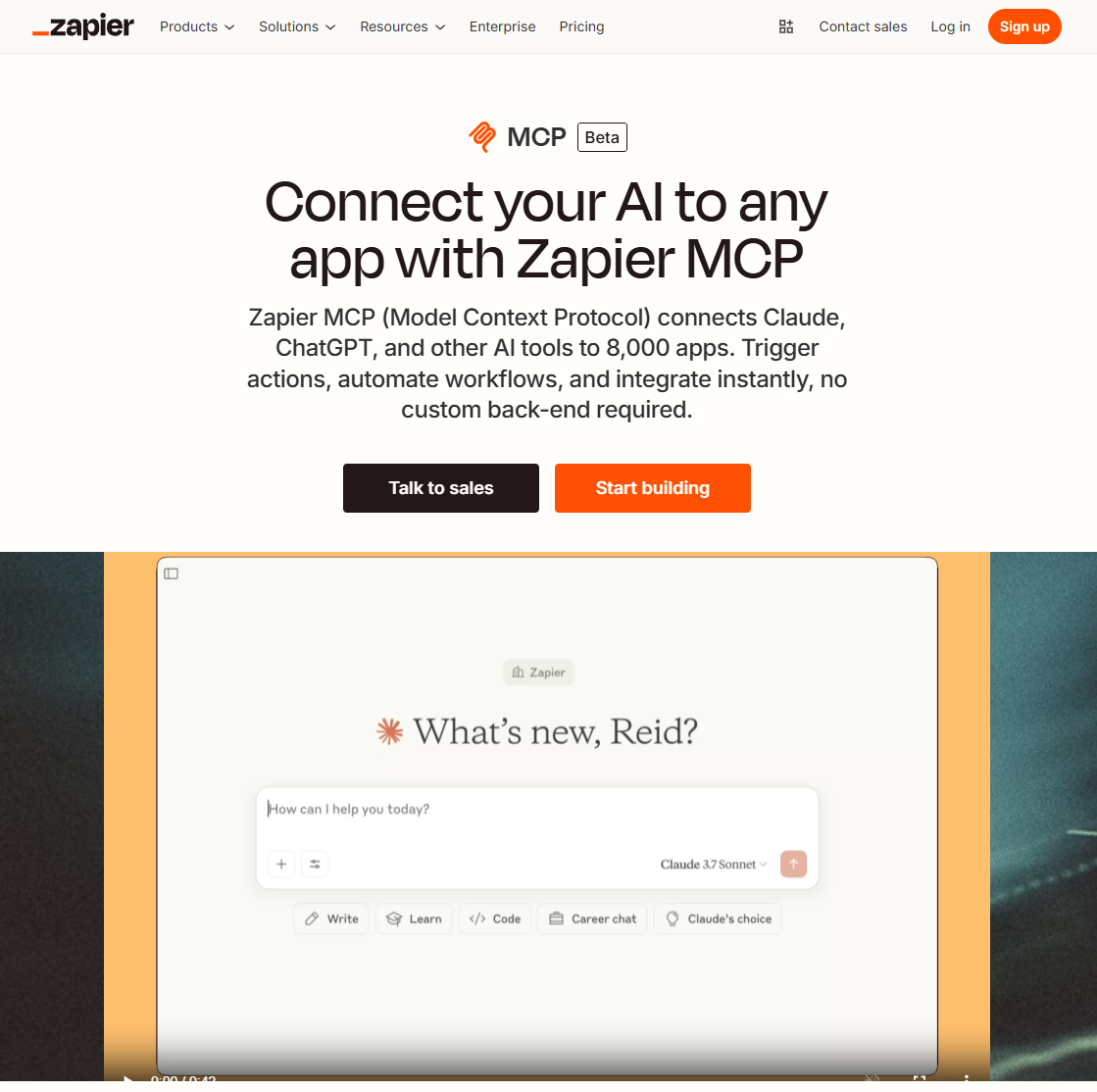
Zapier MCP enables your AI to initiate complicated, multi-step workflows across more than 7,000 business applications using natural language.
Best for: Automating workflows in more than 7,000 apps
The Zapier MCP is what you need if you want your AI to serve as the main dispatcher for your entire business. Zapier is the clear leader in no-code integrations, and their MCP server brings that huge ecosystem right into your chat window.
What does this mean for someone who is not technical? Because it lets you start complicated, multi-step workflows by talking to them.
You do not have to open five different tabs; just type, “Claude, send the action items from my last meeting to the marketing channel in Slack, and make a new row in my CRM for the client we talked about.” Zapier is the glue that turns your request in plain language into specific actions across thousands of apps.
HubSpot MCP
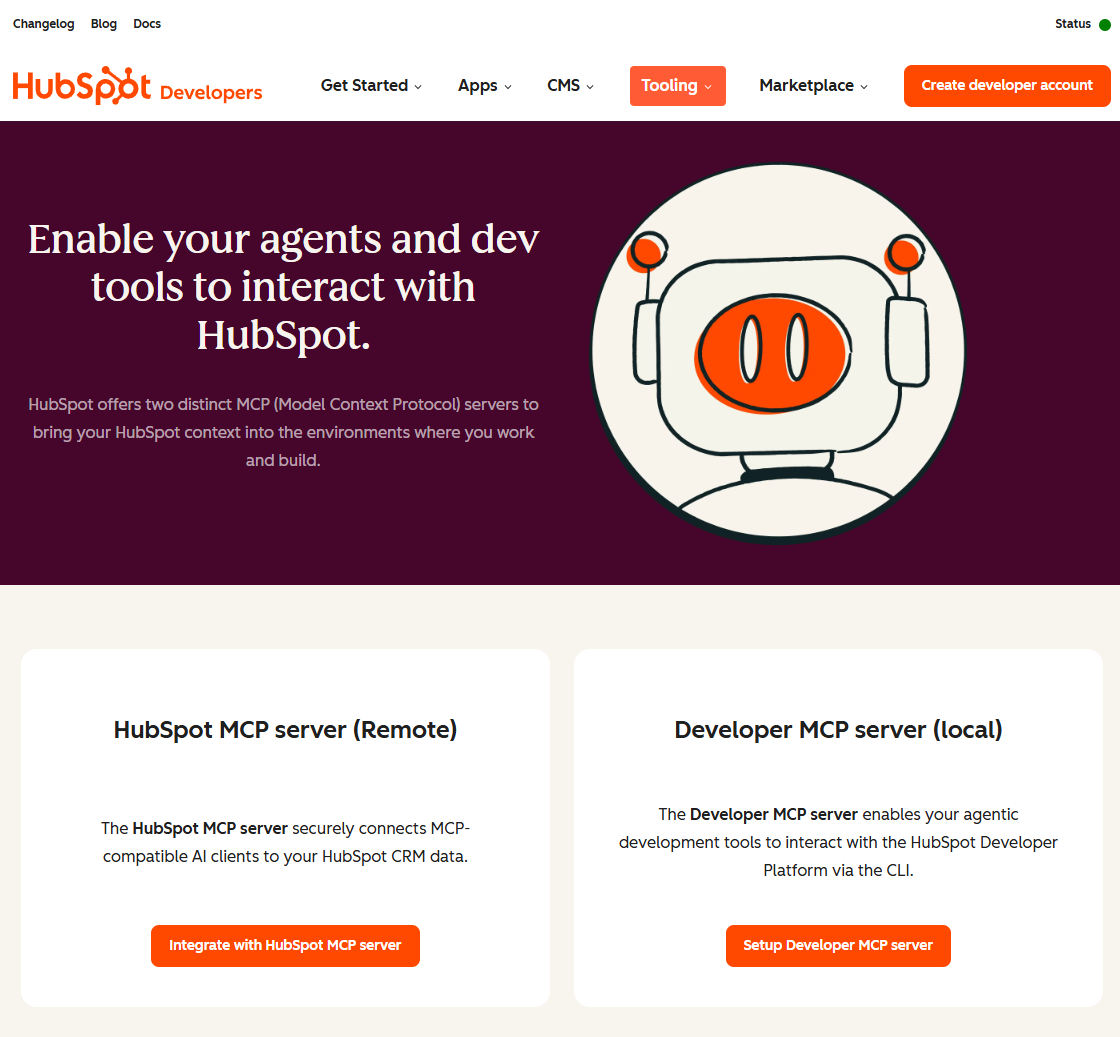
HubSpot MCP connects your conversational AI to your customer database, allowing you to query and update your sales pipeline and contact records using plain English.
Best for: CRM & marketing automation
Clean CRM data is essential for sales and marketing teams to achieve their goals. You will not have to manually click through contact records again, thanks to the HubSpot MCP, which connects your conversational AI to your customer database.
You can ask questions about and change your sales pipeline in plain English. Want to know how a certain deal is going? Do you need to write a very personal follow-up email based on what a potential customer has been doing recently? You do not have to log into the HubSpot dashboard to ask Claude to pull the contact history, check the deal stage, and write the email copy. Your data stays safe inside HubSpot’s secure environment because this is an official integration.
Perplexity MCP
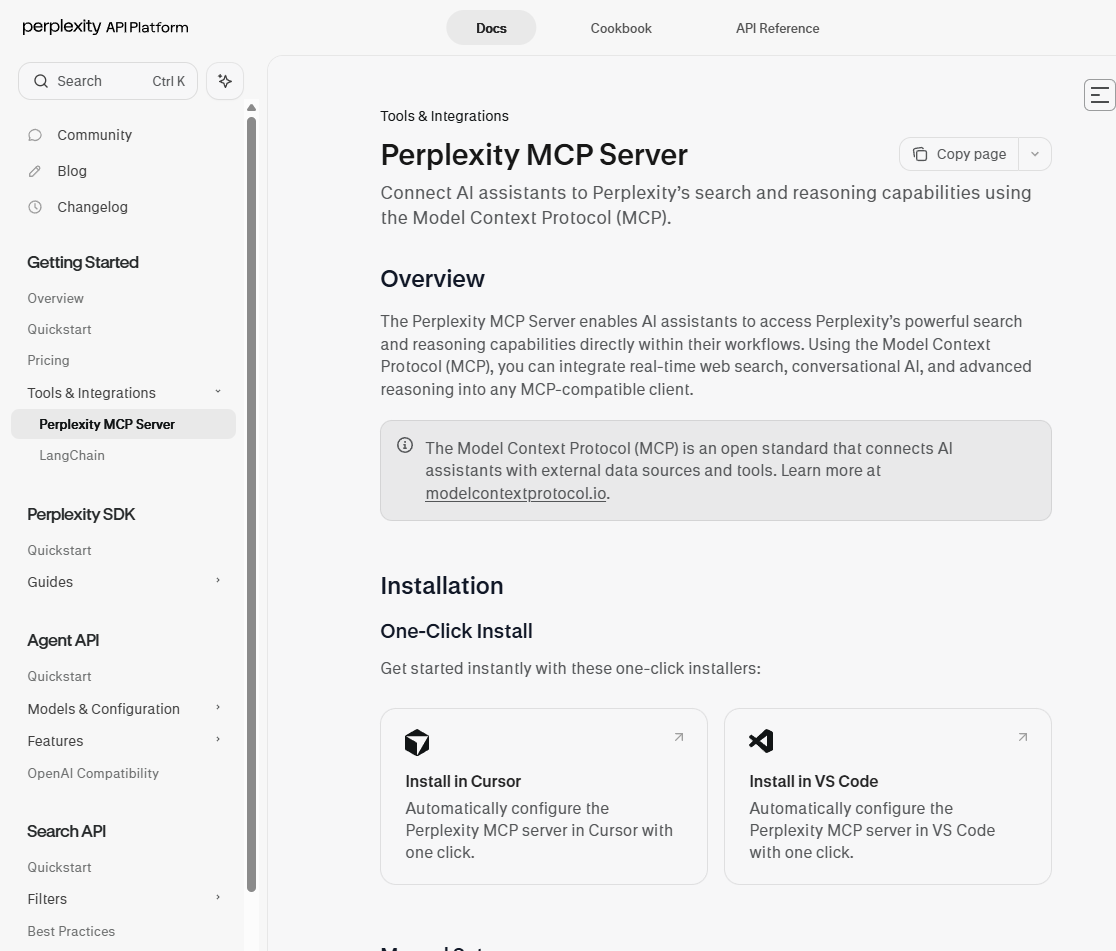
Perplexity MCP enables your AI to perform real-time searches on the open web, ensuring your research is based on the latest news and facts.
Best for: Real-time web research
There are times when you do not need to get specific, structured data from a single website; you just need to have a general, up-to-date understanding of a topic. That is when the Perplexity MCP really shines. It lets your AI search the web in real time.
Perplexity is particularly useful for research without a clear endpoint. Content marketers and business analysts can use it to quickly access the latest news in their field, ensuring their plans are based on facts from today, not training data from last year.
Developer Tools MCPs
GitHub MCP
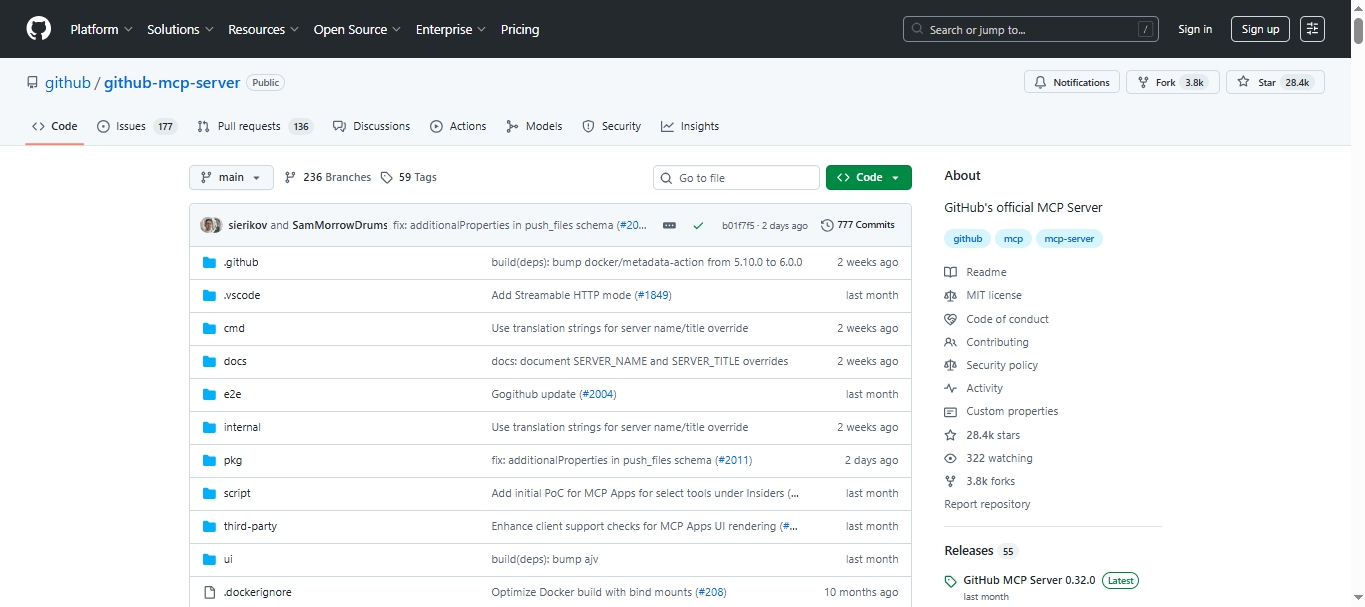
GitHub MCP connects your AI assistant to your repositories, issues, and pull requests. It can turn Claude, Cursor, or Claude Code into an active participant in your development workflow.
Best for: Developers managing code, issues, and team collaboration
You no longer have to switch between your editor and GitHub to check what is in the backlog or update a pull request. Ask Claude to summarize open issues, draft a PR description, or flag overdue tasks across your repos. Paired with Slack MCP, you can surface the latest engineering decisions and code changes in one place without opening a single browser tab.
Atlassian MCP
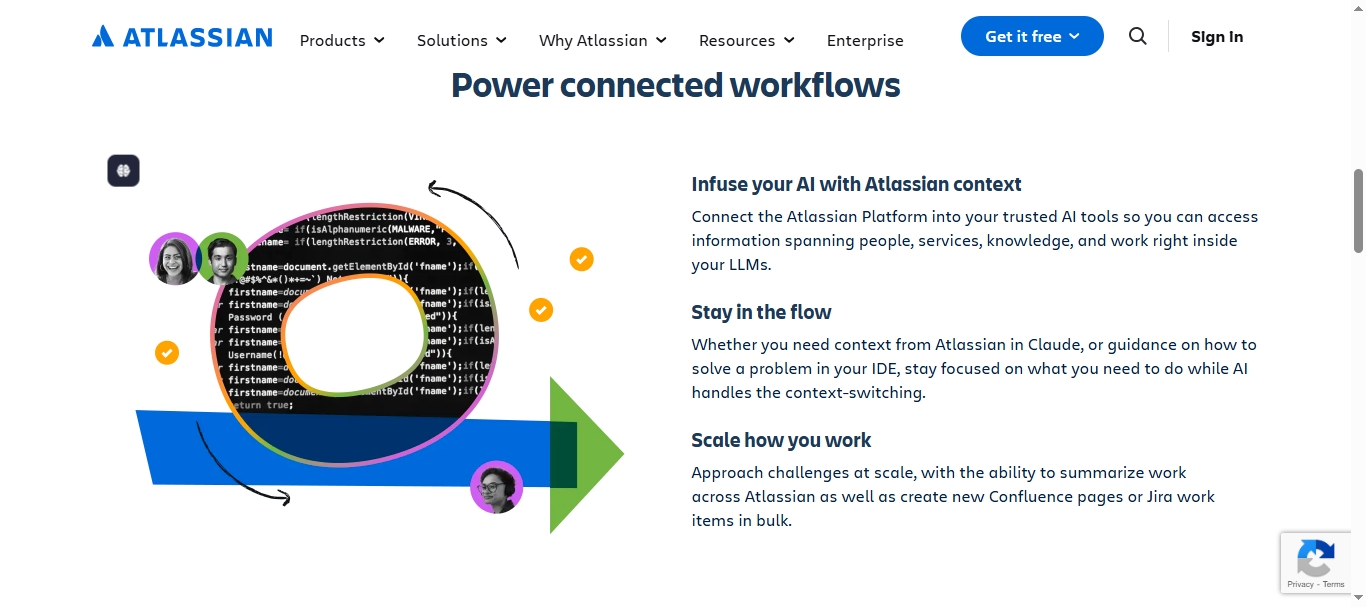
Atlassian MCP (also includes Confluence) connects your AI assistant to your project boards, sprints, and tickets. So you can query and update your team’s work without leaving your chat window.
Best for: Project management & cross-team collaboration
Stop switching between Atlassian and your AI to track sprint progress or write ticket descriptions. Ask Claude to summarize all open blockers in the current sprint, create a new ticket from a Slack thread, or give you a status update on a specific project. Paired with GitHub MCP, your AI gets a complete picture of both the code and the project, making it the most informed member of your engineering team.
How to Start Using MCP Servers Without Writing a Single Line of Code
You do not need permission to start. Most MCP servers are running in minutes. The right starting point depends on which AI client you use.
Comparison Table of Three AI Clients
| AI Client | Best For | Top MCP Servers |
|---|---|---|
| Claude Desktop | Business users, no-code workflows | Octoparse, Zapier, HubSpot, Slack, Shopify |
| Cursor | Developers, coding with business context | Octoparse, Notion, Slack, GitHub, Zapier, Atlassian |
| Claude Code | Terminal-based agentic tasks | Octoparse, Stripe, HubSpot, Zapier, GitHub |
I’ve listed some best prompts to try for each MCP client below.
Best MCP Servers for Claude Desktop
Claude Desktop is the easiest entry point into the MCP ecosystem — no terminal, no code, just a chat window connected to your business stack. Try these prompts to get started:
- Octoparse MCP: “Scrape all product prices from [competitor URL] and put them in a table”
- Zapier MCP: “Send today’s new form submissions to HubSpot and notify the #sales channel in Slack”
- HubSpot MCP: “Show me all deals in the proposal stage that haven’t been updated in 7 days”
- Slack MCP: “Summarize everything discussed in #marketing this week and list the action items”
- Shopify MCP: “Which products are low on inventory and haven’t been restocked in 30 days?”
- Stripe MCP: “Show me MRR for the last 3 months and flag any unusual churn spikes”
- Notion MCP: “Summarize last Tuesday’s product meeting notes and list the open action items”
- Perplexity MCP: “What are the latest trends in B2B SaaS pricing as of this week?”
- Apify MCP: “Run the LinkedIn scraper actor and get me 50 leads from this search URL”
- GitHub MCP: “List all open pull requests in the main repo that have been waiting more than 3 days”
- Atlassian MCP: “Show me all overdue tickets in the current sprint and who they’re assigned to”
Claude Desktop handles it all from one place — no switching tabs, no copying and pasting, no IT team required.
Best MCP Servers for Cursor
If you use Cursor as your AI-powered code editor, these prompts bring business context directly into your coding environment:
- Octoparse MCP: “Scrape the pricing page of [URL] and return it as structured JSON for my pipeline”
- Notion MCP: “Pull the technical requirements from the Q4 feature spec page into this session”
- Slack MCP: “What did the engineering team decide about the auth flow in #backend yesterday?”
- GitHub MCP: “List all open issues tagged ‘bug’ in this repo and sort them by date created”
- Zapier MCP: “Trigger the deployment notification workflow once this PR is merged”
- Atlassian MCP: “What tickets are blocking the current sprint and who owns them?”
Best MCP Servers for Claude Code
Claude Code is Anthropic’s terminal-based AI coding agent. Use these prompts to put it to work on real business systems:
- Octoparse MCP: “Scrape all job postings from [URL] daily and store them as structured data”
- Stripe MCP: “Pull all failed payments from last month and group them by failure reason”
- HubSpot MCP: “Find all contacts who haven’t been contacted in 60 days and flag them for follow-up”
- Zapier MCP: “Trigger the onboarding workflow for every new contact added to HubSpot today”
- GitHub MCP: “Summarize all commits pushed to main this week and generate a changelog draft”
Three-step to Get Started
- Step 1: Choose your MCP client. Begin with the client you already use daily: Claude Desktop for business workflows, Cursor for coding, Claude Code for terminal-based tasks.
- Step 2: Choose Your First Servers. Don’t overwhelm yourself. Choose one or two servers that will quickly fix a problem you have every day at work. Octoparse MCP is the best place to start if you work with data from outside the company, research competitors, or find leads.
- Step 3: Test and Connect. Follow the easy setup steps for the server you want, and then use a plain-English prompt to test it. You can talk to your AI like you would a real person. Tell it to scrape a URL, look at your calendar, or summarize a Slack thread.
MCP Server Comparison: All 11 Tools at a Glance
| Server | Best For | Coding Required? | Works With |
| Octoparse MCP | Web scraping & data extraction | No | Claude Desktop, Cursor, Claude Code |
| Zapier MCP | Automating 7,000+ business apps | No | Claude Desktop, Cursor, Claude Code |
| Notion MCP | Internal wikis & document search | No | Claude Desktop, Cursor |
| Google Workspace MCP | Emails, files, and calendar management | No | Claude Desktop |
| Slack MCP | Team communication & summarization | No | Claude Desktop, Cursor |
| Shopify MCP | E-commerce tracking | No | Claude Desktop |
| Stripe MCP | Revenue metrics & MRR | No | Claude Desktop, Claude Code |
| Apify MCP | Web scraping with pre-built actors | No | Claude Desktop |
| HubSpot MCP | CRM queries & marketing data | No | Claude Desktop, Claude Code |
| Perplexity MCP | Real-time open web research | No | Claude Desktop |
| GitHub MCP | Repo, issues & PR management | No | Claude Desktop, Cursor, Claude Code |
| Atlassian MCP | Project management & sprint tracking | No | Claude Desktop, Cursor |
Not sure which server fits your use case? The comparison table above breaks down all 11 tools at a glance. Pick one that fits your needs or combine some of them to boost productivity.
Conclusion
You do not need to be a software developer to do well in the AI ecosystem in 2026.
AI is no longer just a chat window that sits there. You can make tools like Claude into proactive, deeply integrated business partners by using the best MCP servers. They do not just answer questions; they act on them. They scrape websites, fix pipelines, look at revenue, and sort your inbox.
Start with the data that matters most if you want to let your AI out of its walled garden. Make Octoparse MCP your main tool. It gives your AI the ability to see and access live web data right away, giving you a huge edge over your competitors.
Talking to AI is not the only thing businesses will do in the future. It is letting AI do the hard work for you.
Want to go deeper? Here are some good starting points:
FAQs about MCP Servers
- Do I need to be a developer to use MCP servers?
Not for most current MCP servers. Octoparse MCP, Zapier MCP, and Google Workspace MCP are all tools made for people who are not tech-savvy. They let you set them up with point-and-click or copy-and-paste, rather than complicated coding.
- What is the difference between MCP servers and traditional API integrations?
For every unique connection, APIs need their own code. MCP uses a single standard protocol, so any AI client that supports it can connect to any MCP server with minimal setup. This makes it much easier for businesses to get started.
- Which MCP server is best for getting data from websites?
When it comes to web data, Octoparse MCP is the best choice. It lets AI clients scrape and get structured data from any website, like job postings, product listings, and prices from competitors, without you having to write a scraper from scratch.
- Can I use multiple MCP servers simultaneously?
Yes. Most of the time, MCP clients like Claude Desktop because they can manage multiple servers simultaneously. For instance, you could use Octoparse MCP for web data, Slack MCP for team context, and HubSpot MCP for CRM data, all in one conversation.
- How Do I Install an MCP Server?
Installation depends on your AI host. There are some general steps for three hosts:
Claude Desktop
- Open Settings → Connectors → Add Custom Connector
- Enter a name and the server’s command (for local) or URL (for remote)
- Save and restart
Cursor IDE
- Edit your
mcp.jsonconfig file - Add the server to the
mcpServersobject - Restart Cursor
VS Code
- bash:
Then start the server in the MCP panel.
Local servers typically use stdio transport; remote ones use HTTP with Server-Sent Events (SSE).